---
title: "A finding"
description: "What a finding shows, what its triage statuses mean and how to change them."
url: https://whitespots.io/docs/appsec-portal/triage-findings/finding
slug: appsec-portal/triage-findings/finding
publish_date: 2026-10-30T19:42:15.000Z
last_modified: 2026-10-30T19:42:15.000Z
---
# A finding
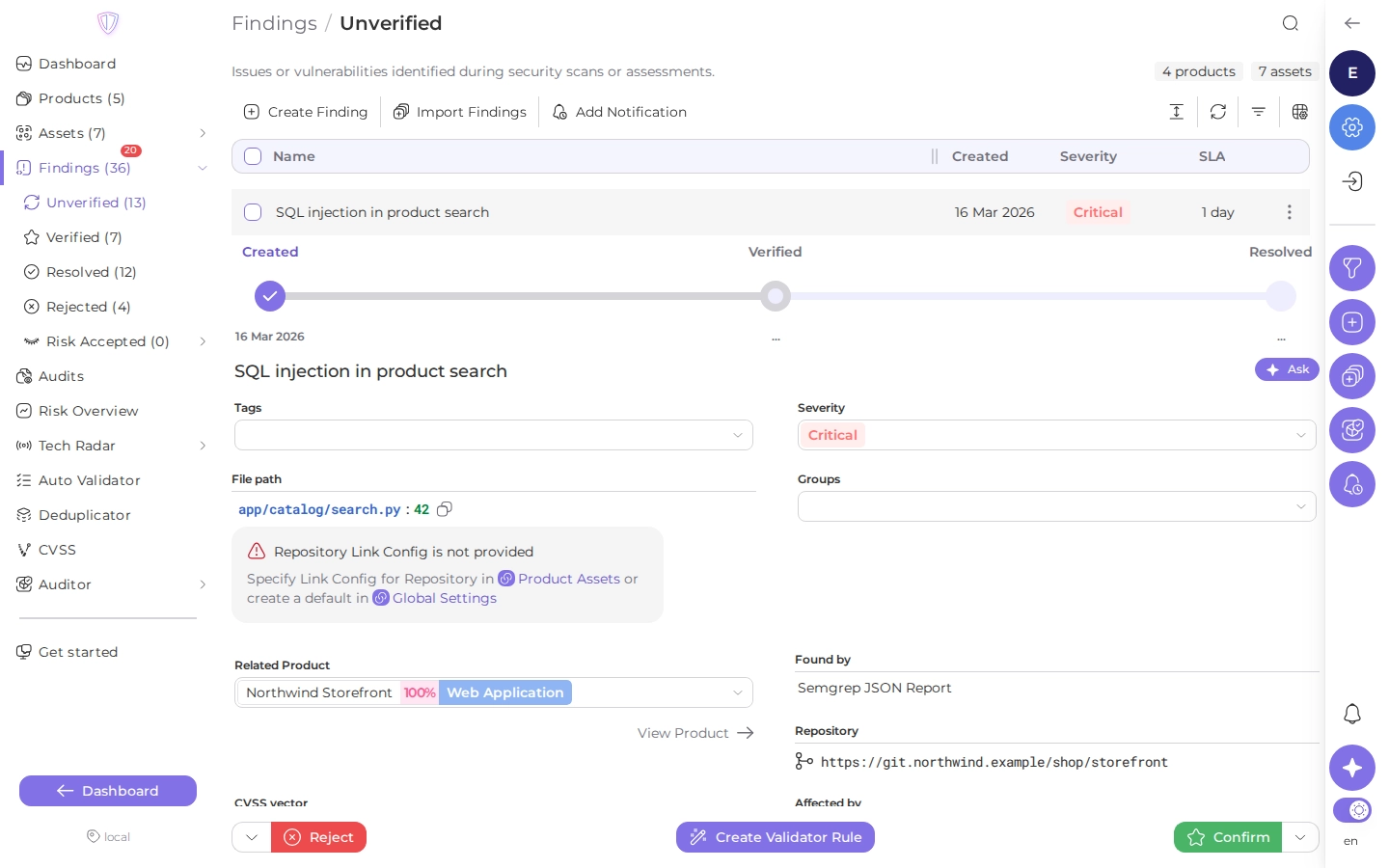
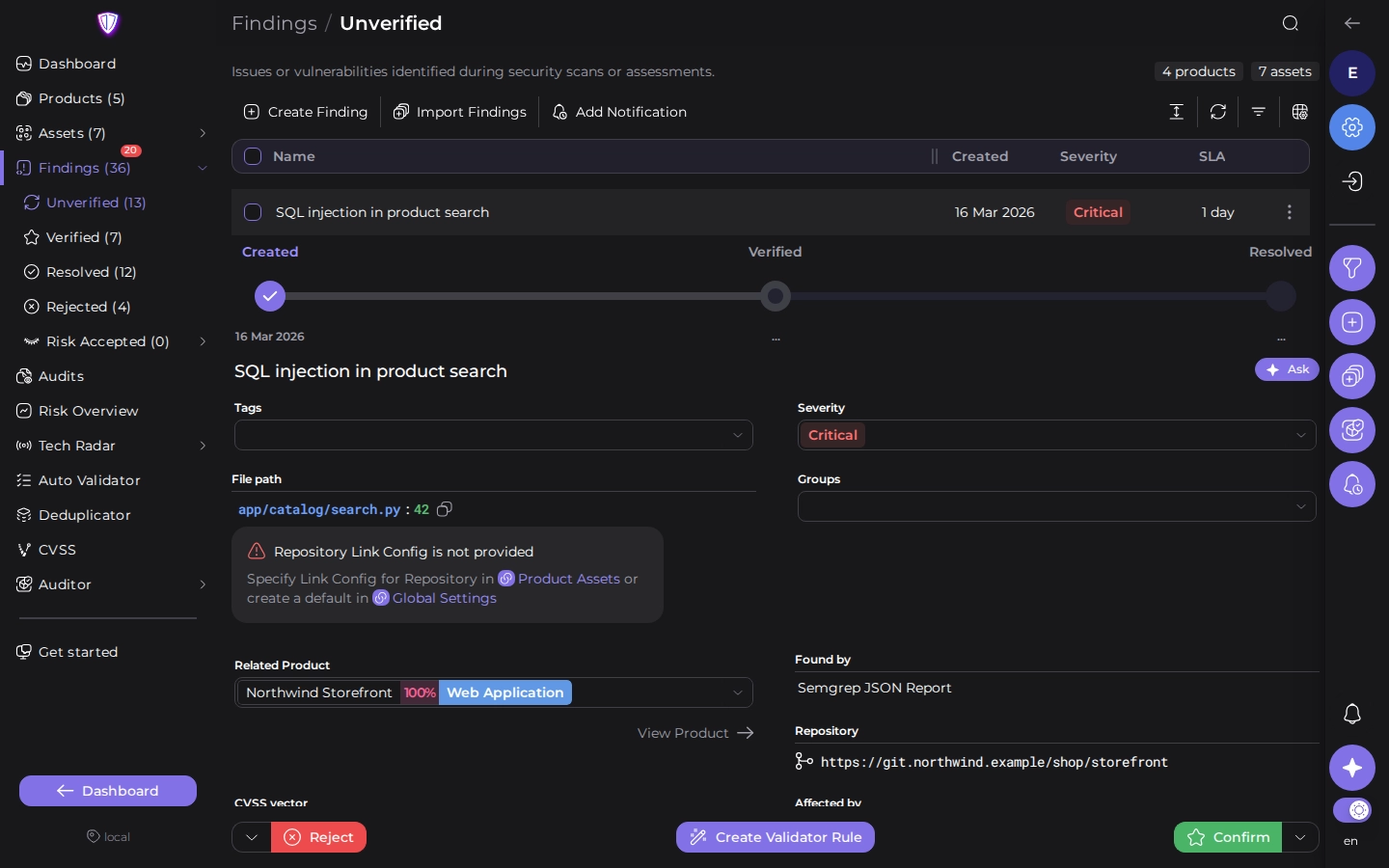
Click a finding in any list to expand it. The triage buttons stay at the bottom while you scroll.
 ## What a finding shows
- **Progress**: when the finding was created, verified, assigned and resolved.
- **Name, tags, severity and groups**. Click a value to change it for this finding only.
- **Where it is**: the product, the asset, and depending on the scanner the file path, dependency,
vulnerable URL or Docker image tag. **View Product** opens the product.
- **SLA days remaining** before the finding misses its deadline (see [SLA](https://whitespots.io/docs/appsec-portal/track-risk/sla)).
- **CVSS vector**, **CWE** and **Affected by**: which rules, audits and scanners changed the
finding, for example "Verified by" an Auto Validator rule.
- **Description**, **mitigations** and attachments from the scanner.
- **Tasks** in a [task tracker](https://whitespots.io/docs/appsec-portal/integrations/task-trackers) created for the finding or attached
to it.
- **Comments**. New comments are posted to the finding's tasks too.
**Ask** next to the name opens the assistant with the finding attached, to explain how to fix it
(see [LLM](https://whitespots.io/docs/appsec-portal/integrations/llm)).
## Triage statuses
| Status | Meaning |
| --- | --- |
| **Unverified** | New. Nobody has checked it yet. |
| **Verified** | Confirmed as a real vulnerability that needs fixing. |
| **Assigned** | Verified, and someone is assigned to its task in the task tracker. |
| **Resolved** | Fixed. A scanner resolves it when a new scan no longer reports it. |
| **Rejected** | Not a real vulnerability (a false positive), or not relevant. |
| **Temporarily Risk Accepted** | Not fixed, accepted for a number of days. When they end, the finding is verified again. |
| **Permanently Risk Accepted** | Not fixed, and accepted with no end date. |
## Change the status
The two buttons at the bottom are the usual next steps from the current status. The arrow next to
each button lists the other statuses.
| Current status | Left button | Right button |
| --- | --- | --- |
| Unverified | **Reject** | **Confirm** (to Verified) |
| Verified, Assigned | **Reject** | **Resolve** |
| Resolved | | **Reopen** (to Verified) |
| Rejected | **Revert Reject** (to Unverified) | |
| Temporarily Risk Accepted | **Permanently Accept** | **Reopen** (to Verified) |
| Permanently Risk Accepted | **Temporarily Accept** | **Reopen** (to Verified) |
To accept a risk, choose **Accept risk** in the arrow menu. Enter for how many days to accept it,
or choose **or permanently accept this risk**.
**Assigned** isn't in the menu. A verified finding becomes Assigned when someone is assigned to
its task in the task tracker, and goes back to Verified when the task is unassigned (see
[Task trackers](https://whitespots.io/docs/appsec-portal/integrations/task-trackers#get-updates-back)).
## Automate the same decision
When you verify or reject the same kind of finding again and again, **Create Validator Rule**
turns this finding into an [Auto Validator](https://whitespots.io/docs/appsec-portal/triage-findings/automate-triage/auto-validator) rule that makes the
decision for the next ones. Rules need a paid license.
---
## Navigation
- Location: [Docs](https://whitespots.io/docs) > [Application Security Portal](https://whitespots.io/docs/appsec-portal) > [Triage findings](https://whitespots.io/docs/appsec-portal/triage-findings)
- Previous: [Findings](https://whitespots.io/docs/appsec-portal/triage-findings/findings)
- Next: [Finding groups](https://whitespots.io/docs/appsec-portal/triage-findings/finding-groups)