---
title: "Findings"
description: "Find, filter and bulk-edit the findings of all products."
url: https://whitespots.io/docs/appsec-portal/triage-findings/findings
slug: appsec-portal/triage-findings/findings
publish_date: 2026-10-30T19:42:15.000Z
last_modified: 2026-10-30T19:42:15.000Z
---
# Findings
**Findings** in the sidebar lists the findings of all products. Under it, one link per triage
status shows how many findings have that status and opens only those.
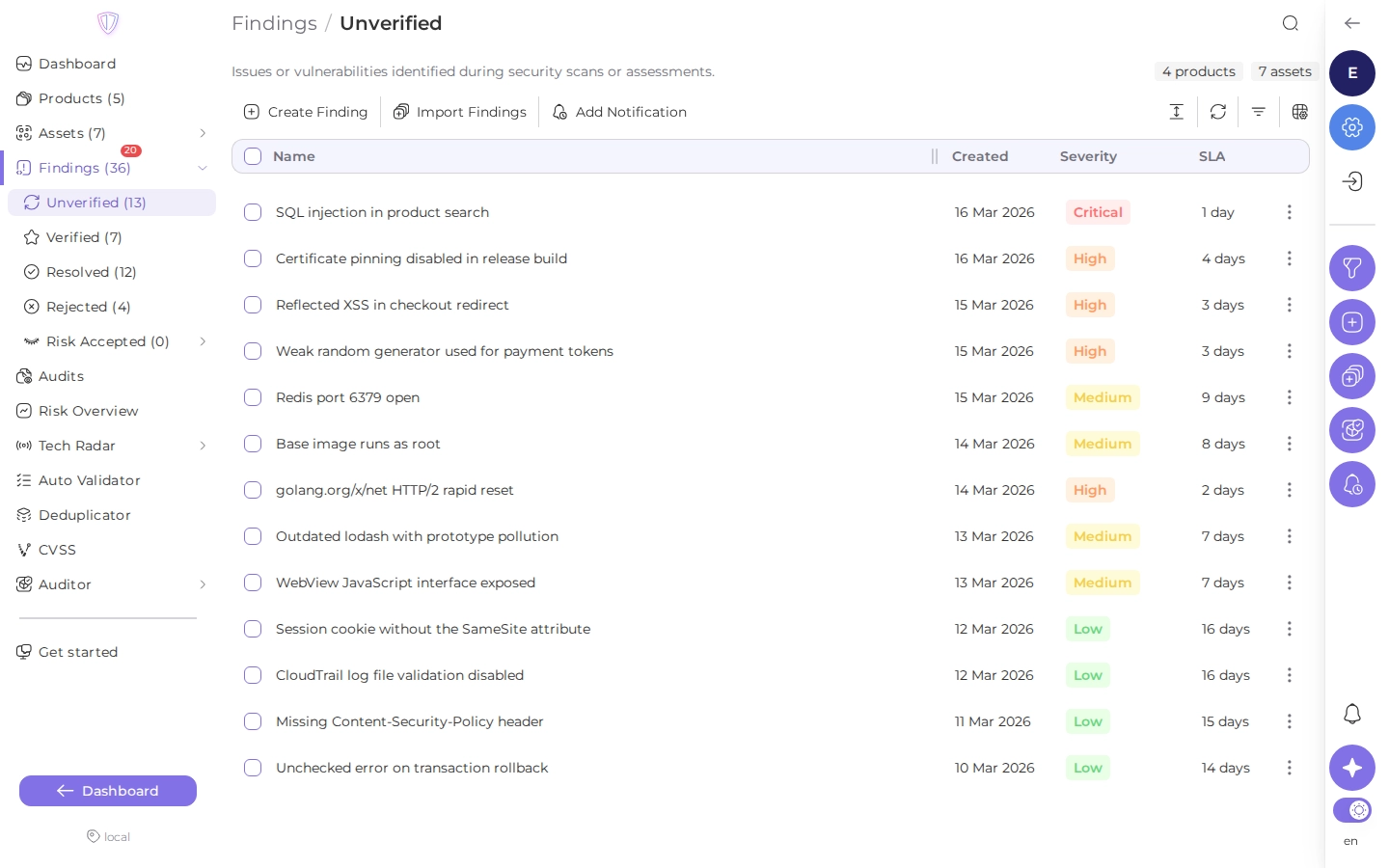
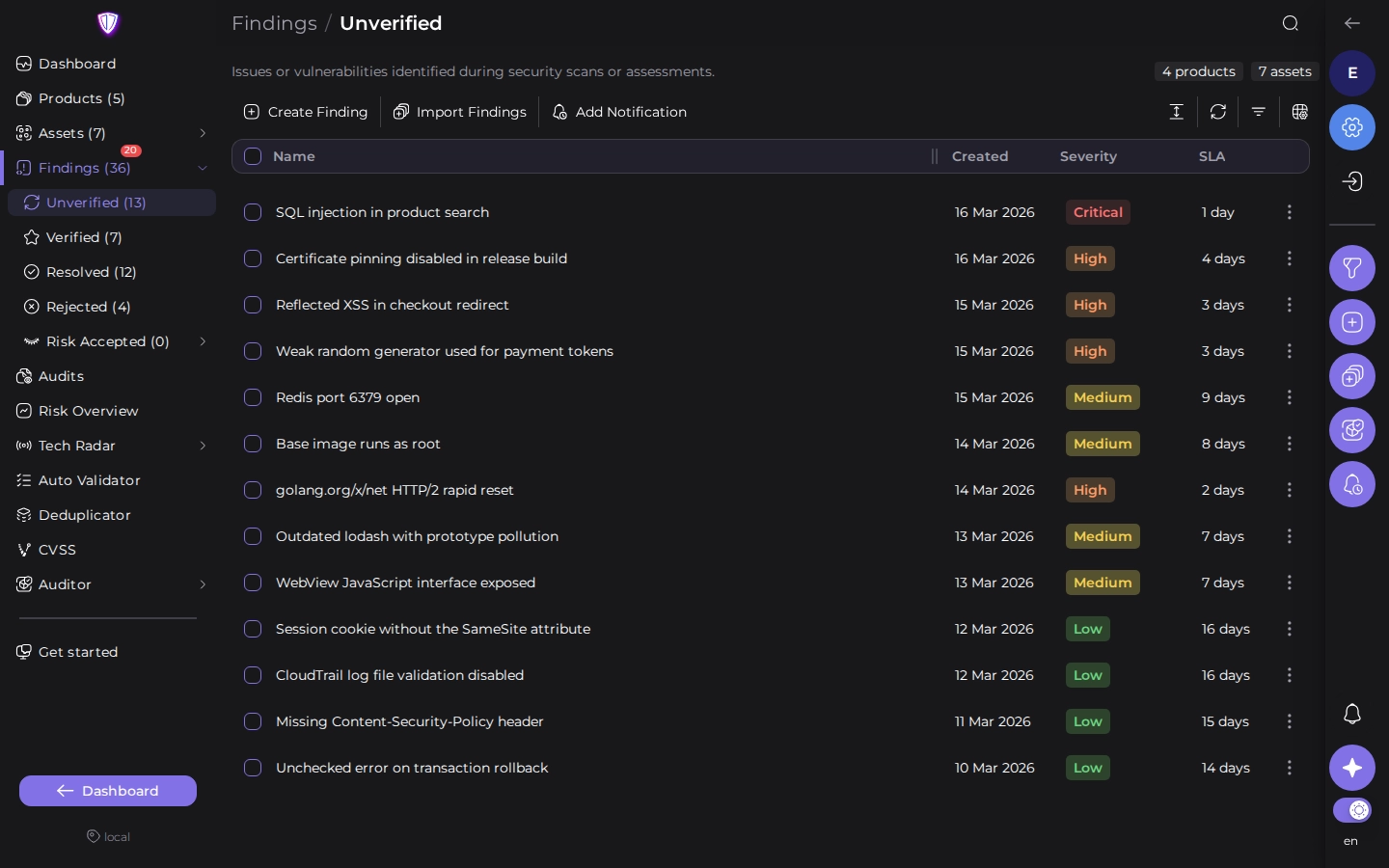 Click a finding to expand it in place, see its details and change its status. See
[A finding](https://whitespots.io/docs/appsec-portal/triage-findings/finding).
## Filter and sort
Open **Filters** to narrow the list. Filters combine: a finding is listed only when it matches
all of them.
| Filters | What they match |
| --- | --- |
| Triage status, severity | the finding's current status and severity |
| Product, product type, product tags, business criticality | the product the finding belongs to |
| Assets | a repository URL, Docker image, domain, host or cloud account, and asset tags |
| Found by | the scanner that reported the finding |
| File path, branch, dependency, vulnerable URL | where in the asset the finding is |
| Tags, CWE, group | what the finding was tagged with; tags match **Any**, **At least** or **Strict** |
| SLA | findings that missed their verification, assign or resolve deadline |
| Automation | findings that a rule or scanner setting verified, rejected or resolved, and findings imported in an audit |
| Finding source | findings created in Portal or imported from DefectDojo |
| Dates | created, verified, assigned or resolved in a date range |
Many filters have an **Include** and an **Exclude** mode: for example, every scanner except one.
The search field looks in finding names. Its menu switches it to descriptions, tag names or
comments. Click a column header to sort by it, and click it again to reverse the order.
## Change many findings at once
Select findings with their checkboxes. To select a range, click the first checkbox, hold
**Shift** and click the last one. The toolbar then shows what you can do with the selection:
| Action | What it does |
| --- | --- |
| **Set status** | changes the triage status; for **Temporarily Accept**, you choose for how many days |
| **Set severity** | changes the severity |
| **Add tags**, **Remove tags** | adds or removes tags |
| **Add groups**, **Remove groups** | adds the findings to [finding groups](https://whitespots.io/docs/appsec-portal/triage-findings/finding-groups) or removes them |
| **Add CWE**, **Remove CWE** | adds or removes CWE identifiers |
| **Create tasks** | creates tasks in a task tracker (see [Task trackers](https://whitespots.io/docs/appsec-portal/integrations/task-trackers)) |
| **Delete** | deletes the findings |
A bulk change on many findings runs in the background: the portal confirms that it is
scheduled, and the list updates when it finishes.
---
## Navigation
- Location: [Docs](https://whitespots.io/docs) > [Application Security Portal](https://whitespots.io/docs/appsec-portal) > [Triage findings](https://whitespots.io/docs/appsec-portal/triage-findings)
- Previous: [Triage findings](https://whitespots.io/docs/appsec-portal/triage-findings)
- Next: [A finding](https://whitespots.io/docs/appsec-portal/triage-findings/finding)