---
title: "Custom Jira description"
description: "Custom Jira description This feature is designed to provide a developer with a readable description instead of a technical one from the scanner. For…"
url: https://whitespots.io/docs/whitespots-wiki/appsec-portal/general-portal-settings/scanner-settings/custom-jira-description
slug: whitespots-wiki/appsec-portal/general-portal-settings/scanner-settings/custom-jira-description
publish_date: 2025-11-13T18:00:34.000Z
last_modified: 2025-11-13T18:00:34.000Z
---
# Custom Jira description
# Custom Jira description
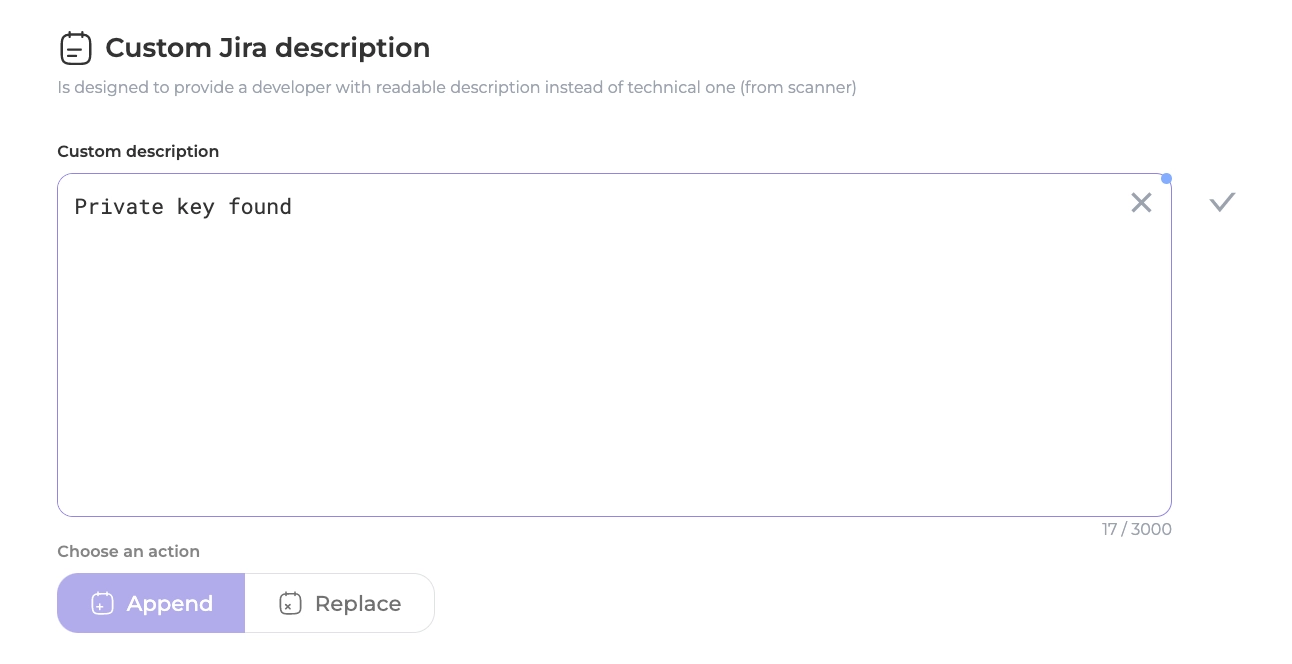
This feature is designed to provide a developer with a readable description instead of a technical one from the scanner.
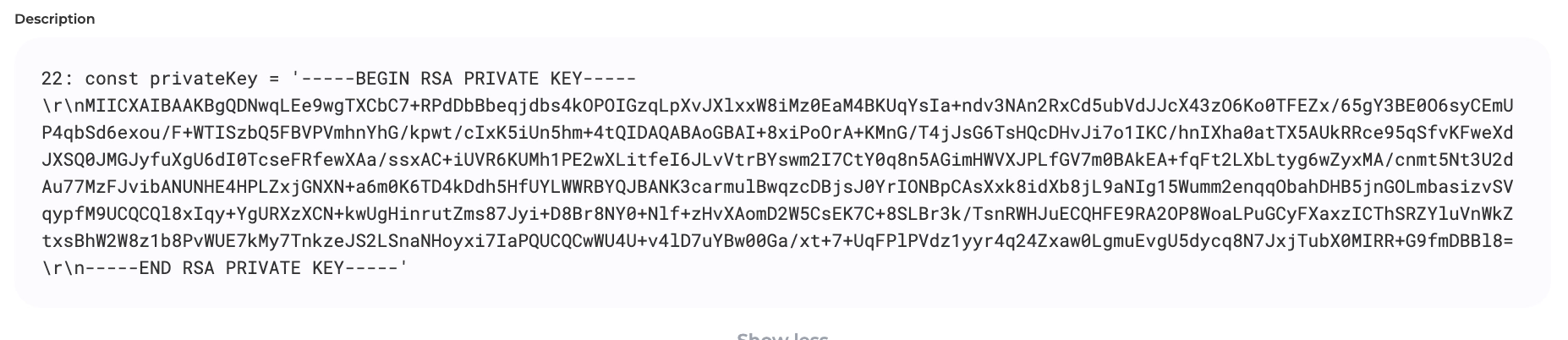
For instance, technical descriptions can be cluttered and difficult to understand, such as the display of a private RSA key. With the Custom Jira description feature, there are two options available - Append and Replace - for modifying the description.
* **Append:** text from the text box will be added to the existing description on the next line.
* **Replace:** text from the text box will completely replace the scanner description.
---
## Navigation
- Location: [Docs](https://whitespots.io/docs) > [Whitespots Wiki](https://whitespots.io/docs/whitespots-wiki) > [AppSec Portal](https://whitespots.io/docs/whitespots-wiki/appsec-portal) > [🛠️ General Portal settings](https://whitespots.io/docs/whitespots-wiki/appsec-portal/general-portal-settings) > [Scanner settings](https://whitespots.io/docs/whitespots-wiki/appsec-portal/general-portal-settings/scanner-settings)
- Previous: [Auto Closer](https://whitespots.io/docs/whitespots-wiki/appsec-portal/general-portal-settings/scanner-settings/auto-closer)
- Next: [Custom severity mapping](https://whitespots.io/docs/whitespots-wiki/appsec-portal/general-portal-settings/scanner-settings/custom-severity-mapping)