---
title: "Version Control Integration"
description: "Version Control Integration Add version control integration Navigate to global settings -> Integrations -> Version Control Press \"+\" button Choose your…"
url: https://whitespots.io/docs/whitespots-wiki/appsec-portal/general-portal-settings/version-control-integration
slug: whitespots-wiki/appsec-portal/general-portal-settings/version-control-integration
publish_date: 2025-12-03T21:48:20.000Z
last_modified: 2025-12-03T21:48:20.000Z
---
# Version Control Integration
# Version Control Integration
Add version control integration
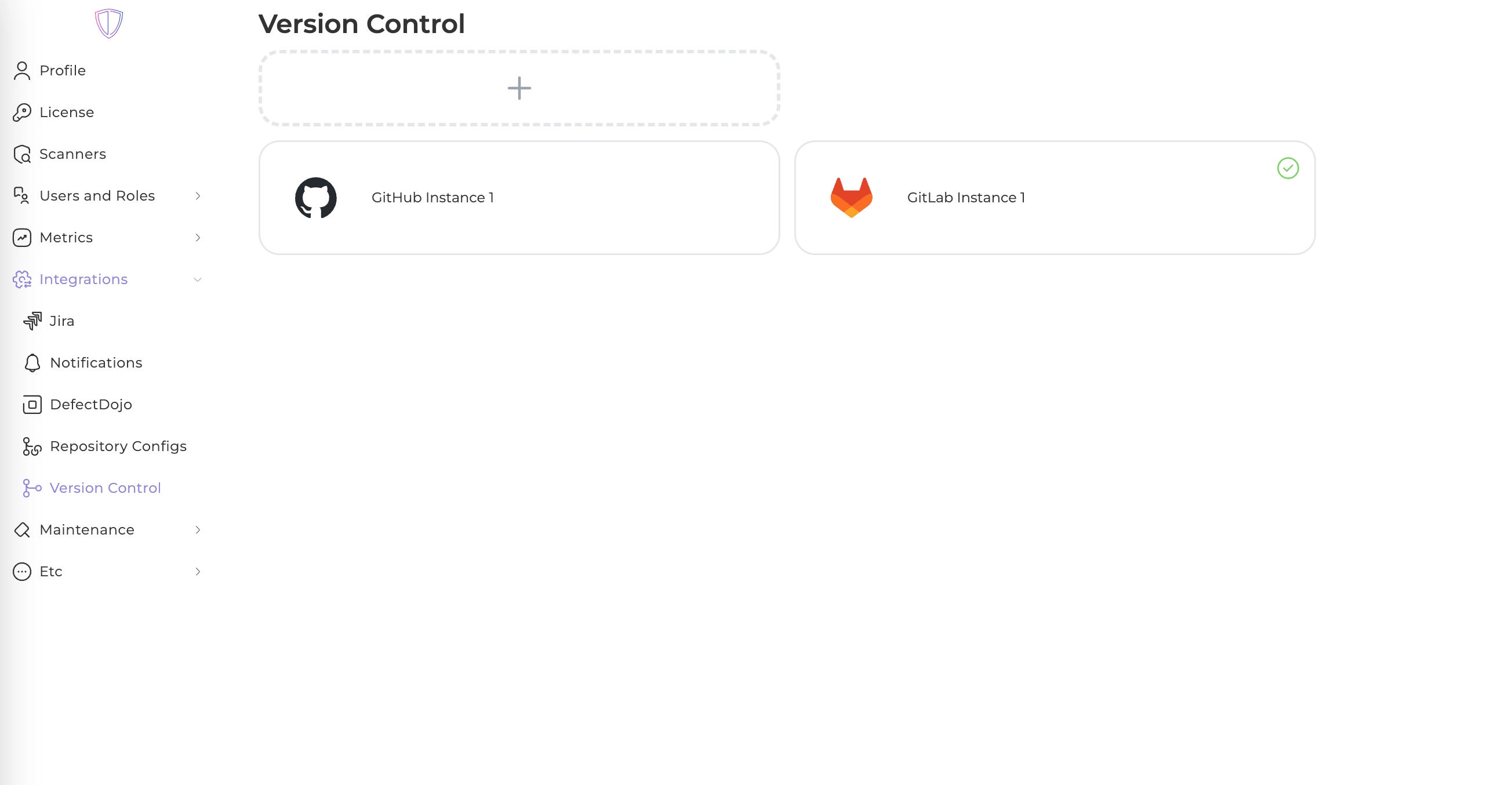
1. Navigate to global settings -> Integrations -> Version Control
2. Press "+" button
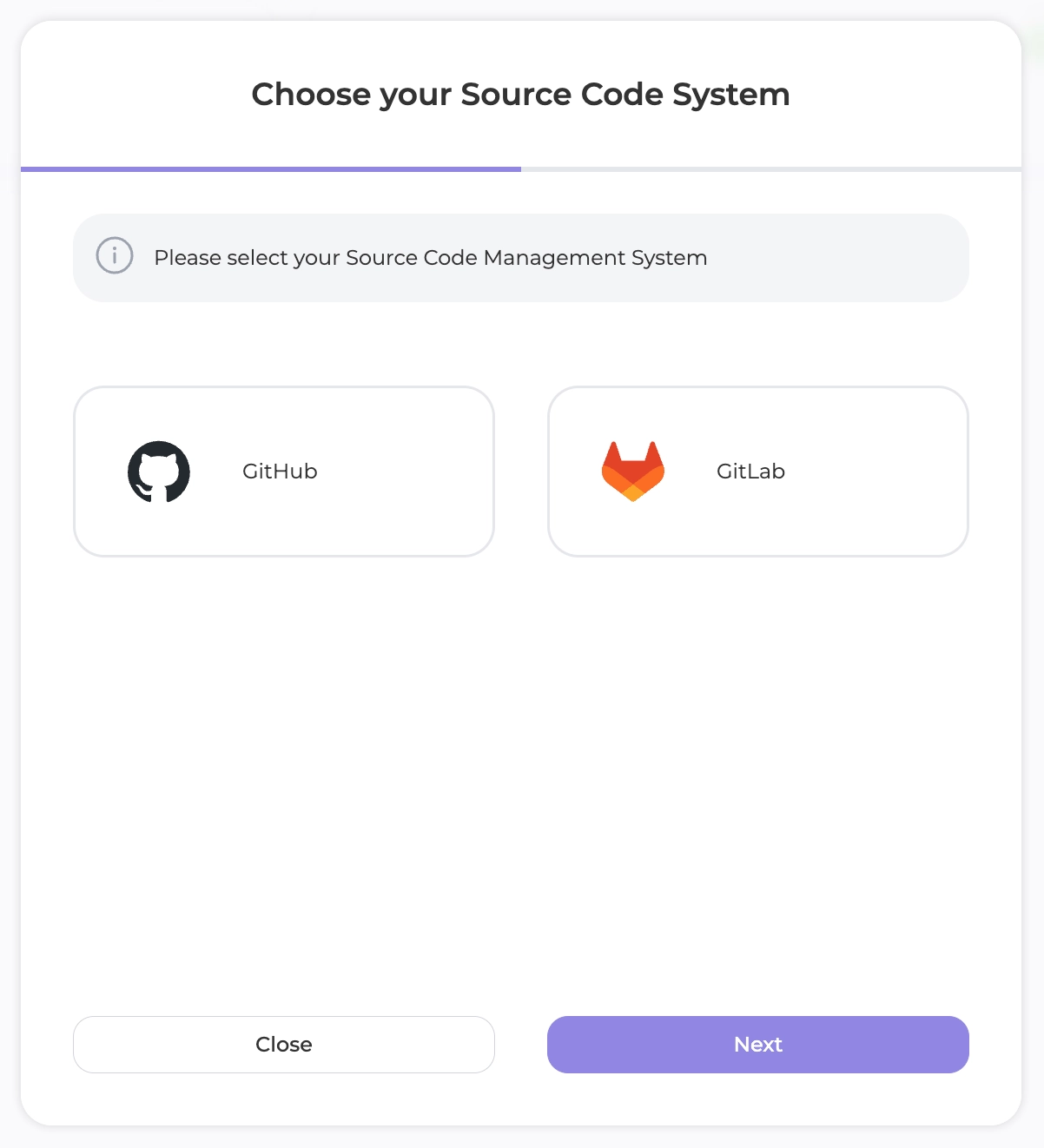
3. Choose your system
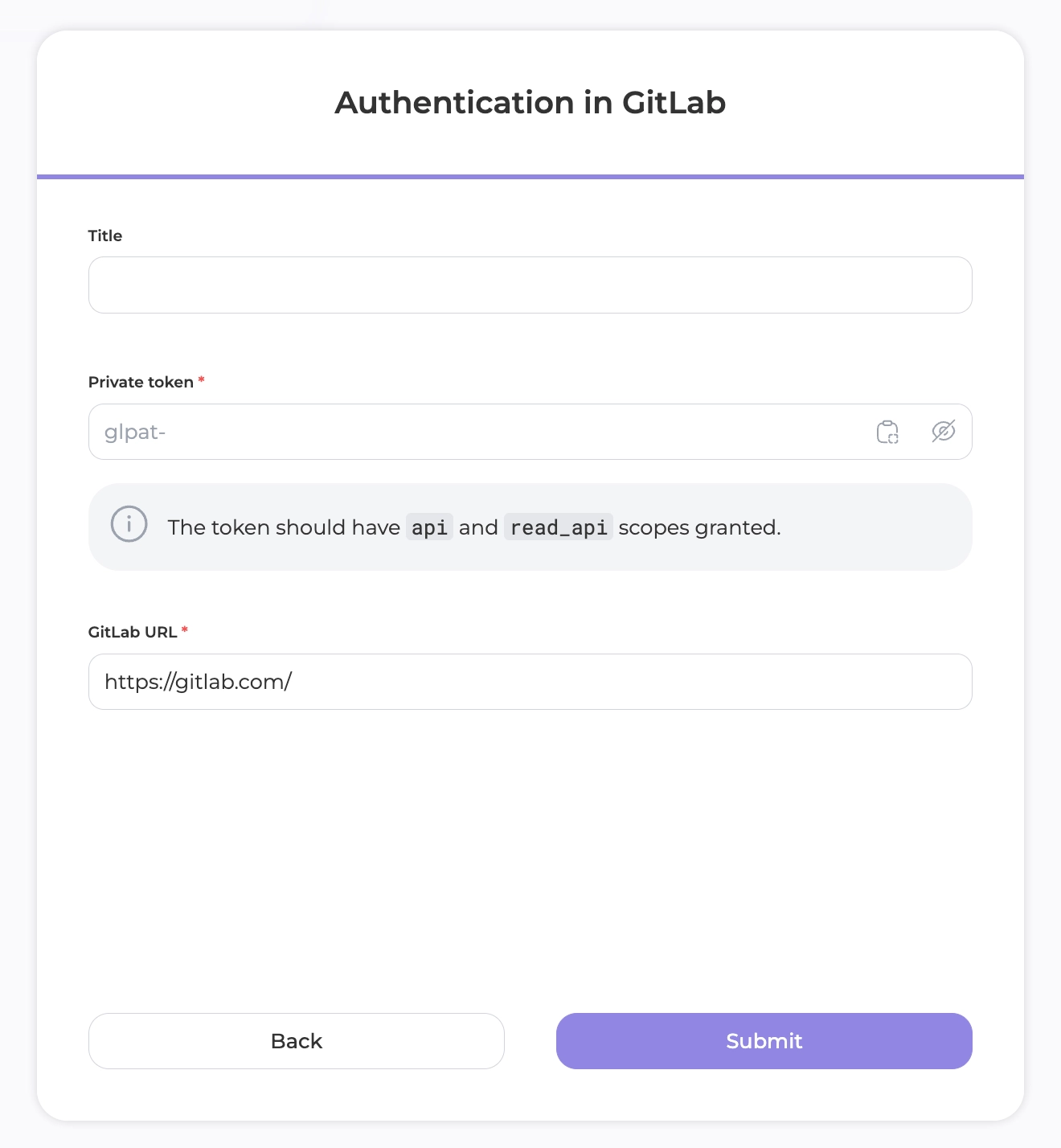
4. Fill the form
5. That's it. Now you can [import repositories](https://whitespots.io/docs/whitespots-wiki/appsec-portal/features/asset-management/how-to-import-repositories-from-version-control) from your version control system or configure your code scan process
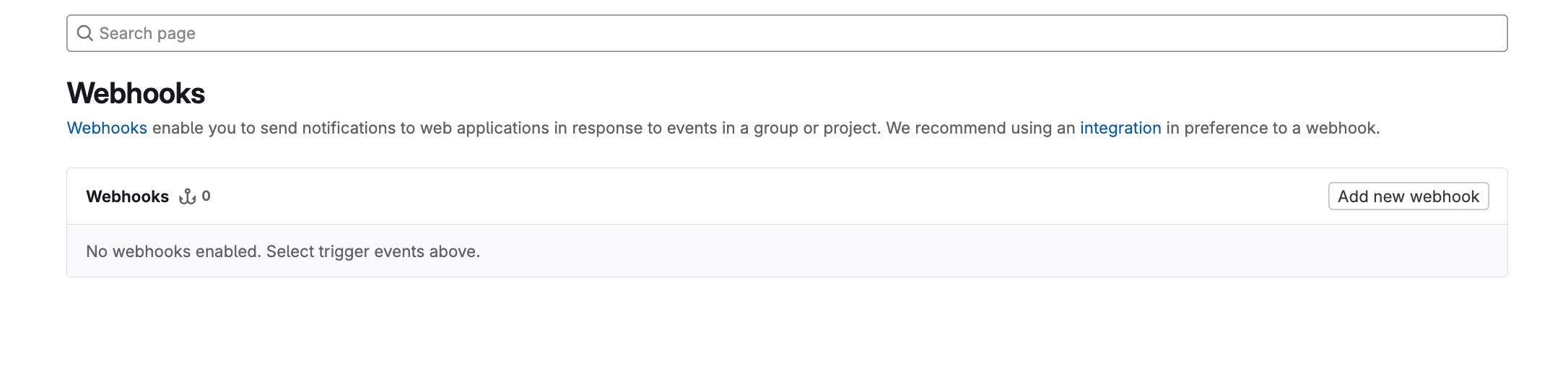
## Set up a webhook
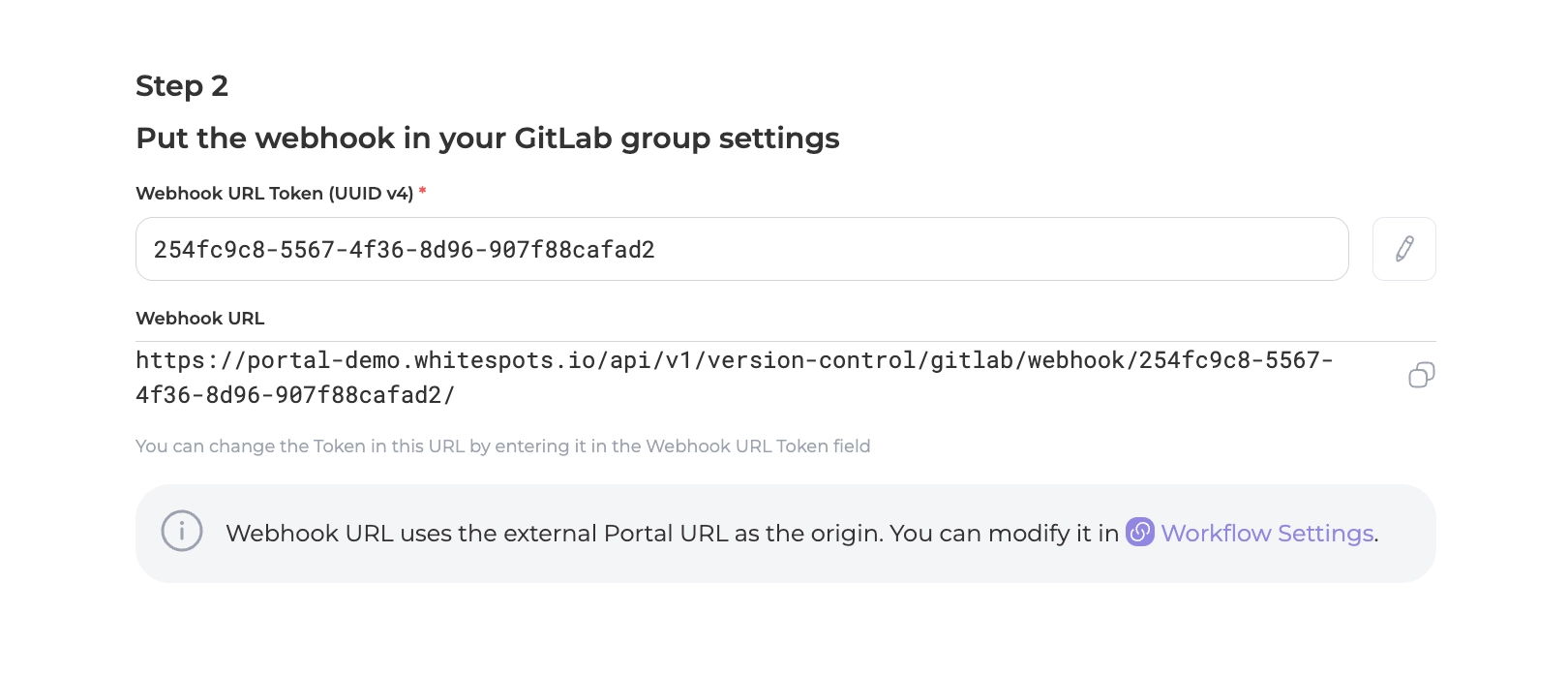
1. Open your newly created integration and get the webhook's URL
2. Now open your GitLab group's Settings->Webhooks page and add a webhook
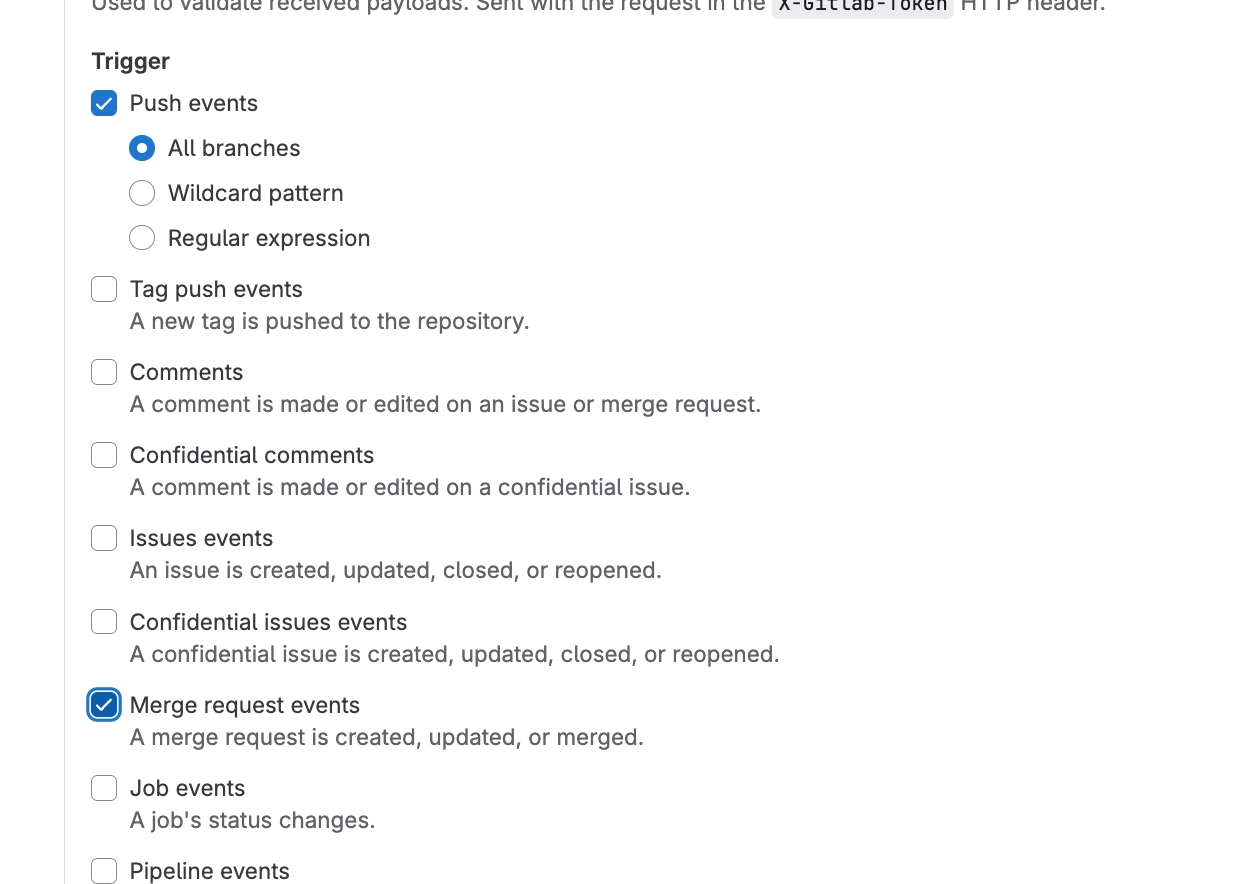
3. Put that webhook URL, which portal showed you before and select 2 triggers
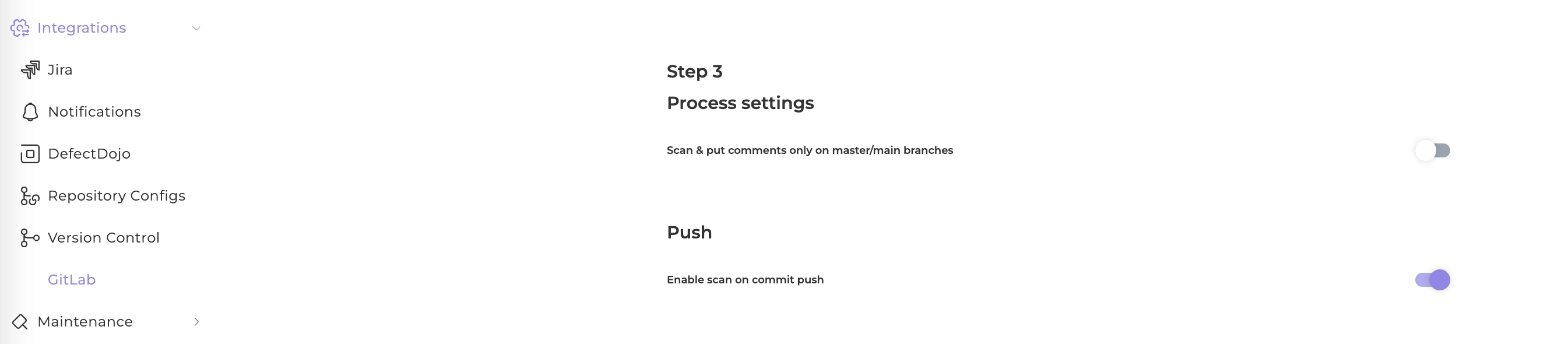
## Scan every single commit
Just switch this toggle on your integration page
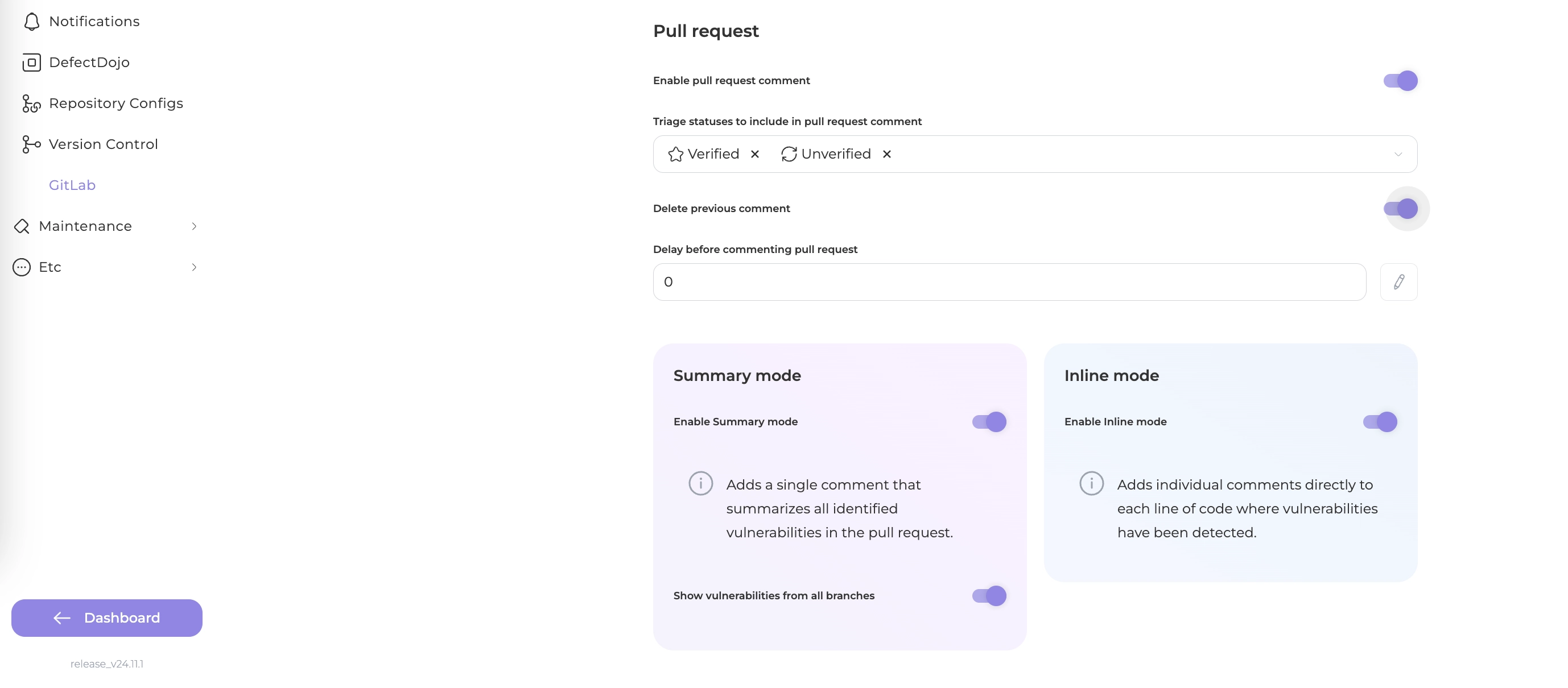
## Comment on pull requests
Set up your preferred process then
---
## Navigation
- Location: [Docs](https://whitespots.io/docs) > [Whitespots Wiki](https://whitespots.io/docs/whitespots-wiki) > [AppSec Portal](https://whitespots.io/docs/whitespots-wiki/appsec-portal) > [🛠️ General Portal settings](https://whitespots.io/docs/whitespots-wiki/appsec-portal/general-portal-settings)
- Previous: [Tag screen](https://whitespots.io/docs/whitespots-wiki/appsec-portal/general-portal-settings/tag-screen)
- Next: [⚙️ Post install Configuration](https://whitespots.io/docs/whitespots-wiki/appsec-portal/post-install-configuration)