Track risk
See how much risk your products carry, whether findings are fixed in time, and report on it.
Updated
The Dashboard shows the state of all products, or of the products you choose in Dashboard settings, over the period you pick:
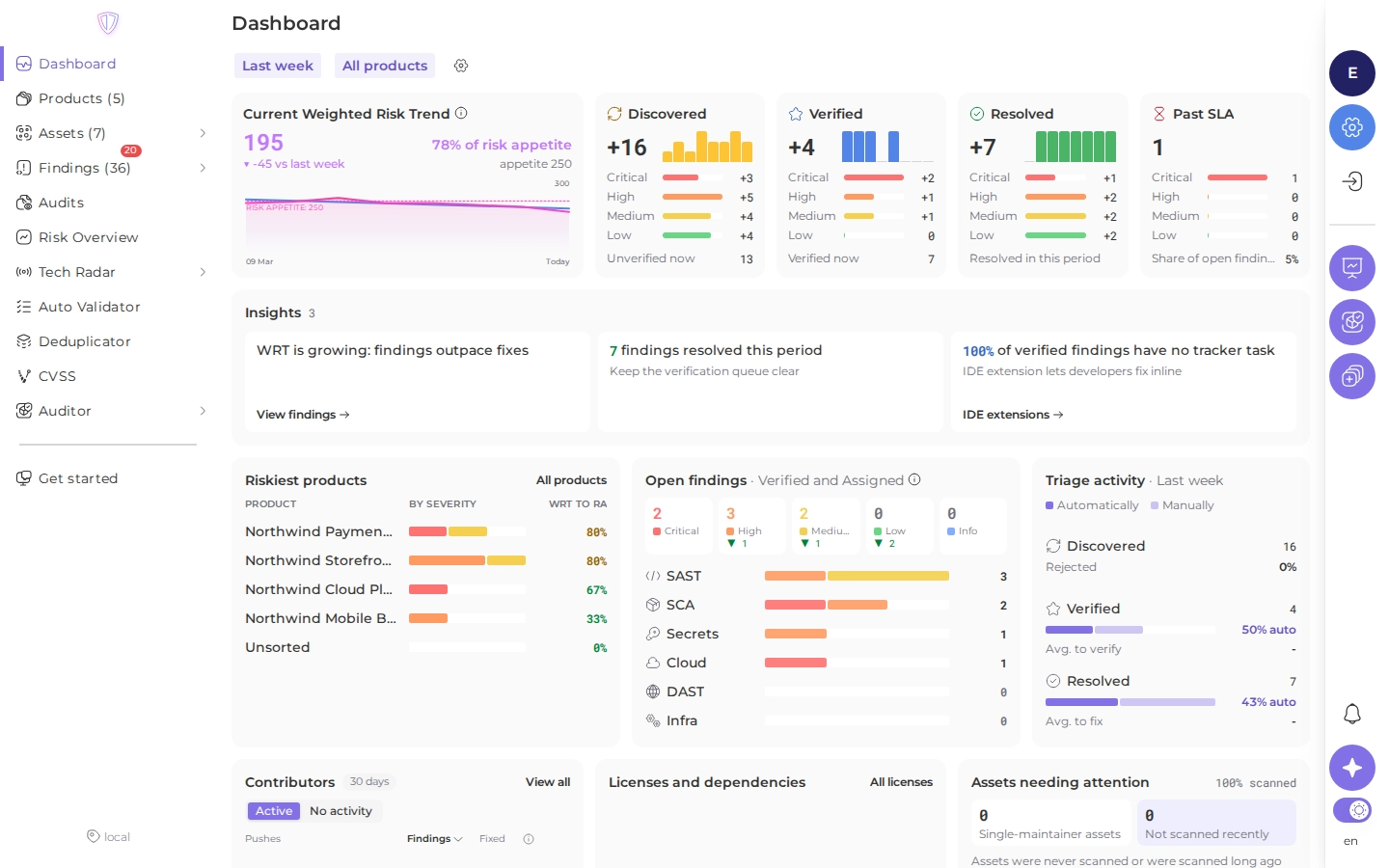
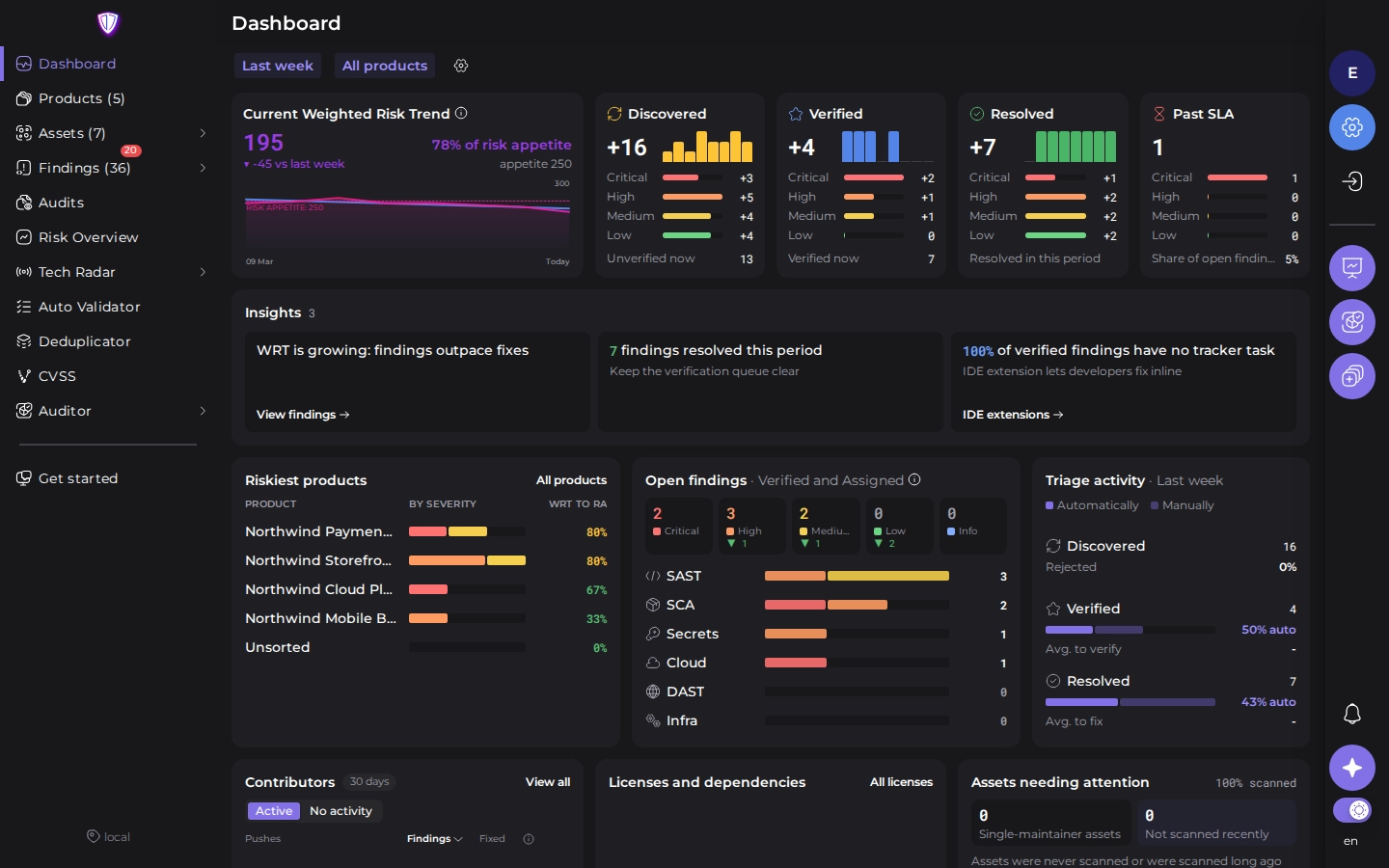
- Open findings by status and severity, and how they changed in the period.
- The WRT and its trend against the risk appetite.
- Past SLA: the share of open findings that missed an SLA deadline.
- Triage activity: how many findings were discovered, verified and resolved, how many of them automatically, and the average time to verify and to fix.
- Riskiest products and Riskiest assets.
- Hints, for example a risk appetite that looks too low or too high.
Risk Overview lists the risk assessment answers of all products side by side.
Read on: