Findings
Find, filter and bulk-edit the findings of all products.
Findings in the sidebar lists the findings of all products. Under it, one link per triage status shows how many findings have that status and opens only those.
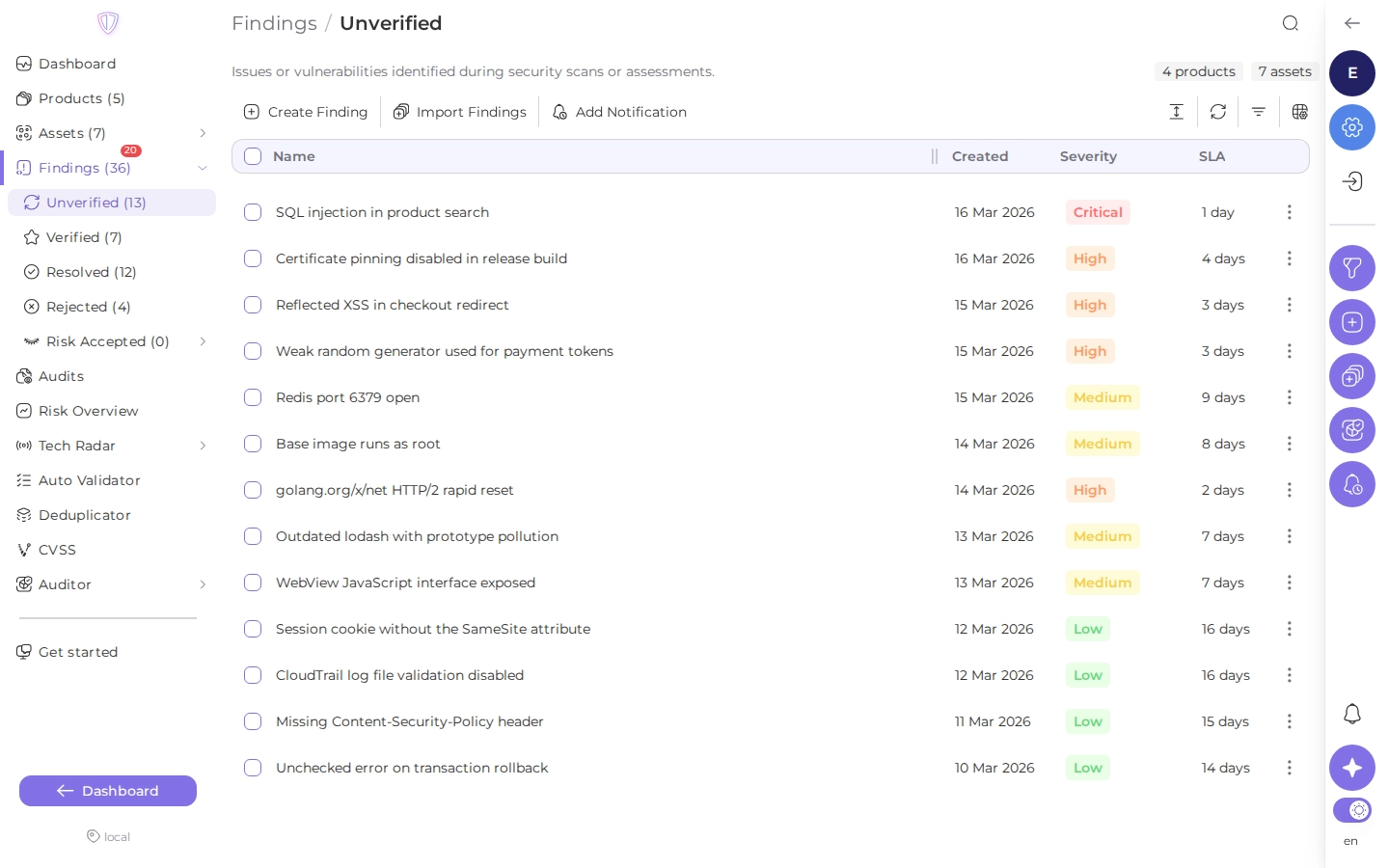
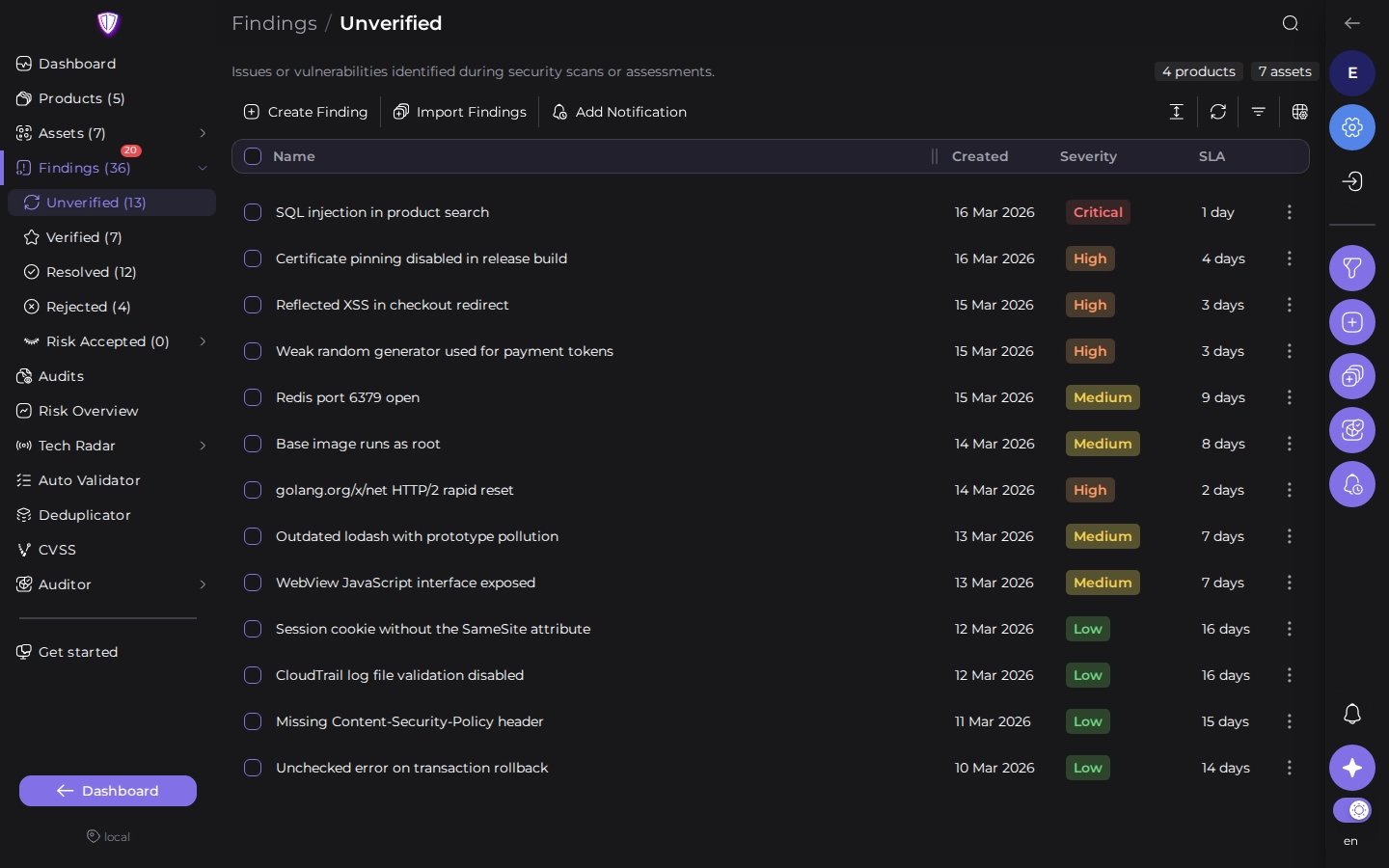
Click a finding to expand it in place, see its details and change its status. See A finding.
Filter and sort
Open Filters to narrow the list. Filters combine: a finding is listed only when it matches all of them.
| Filters | What they match |
|---|---|
| Triage status, severity | the finding’s current status and severity |
| Product, product type, product tags, business criticality | the product the finding belongs to |
| Assets | a repository URL, Docker image, domain, host or cloud account, and asset tags |
| Found by | the scanner that reported the finding |
| File path, branch, dependency, vulnerable URL | where in the asset the finding is |
| Tags, CWE, group | what the finding was tagged with; tags match Any, At least or Strict |
| SLA | findings that missed their verification, assign or resolve deadline |
| Automation | findings that a rule or scanner setting verified, rejected or resolved, and findings imported in an audit |
| Finding source | findings created in Portal or imported from DefectDojo |
| Dates | created, verified, assigned or resolved in a date range |
Many filters have an Include and an Exclude mode: for example, every scanner except one.
The search field looks in finding names. Its menu switches it to descriptions, tag names or comments. Click a column header to sort by it, and click it again to reverse the order.
Change many findings at once
Select findings with their checkboxes. To select a range, click the first checkbox, hold Shift and click the last one. The toolbar then shows what you can do with the selection:
| Action | What it does |
|---|---|
| Set status | changes the triage status; for Temporarily Accept, you choose for how many days |
| Set severity | changes the severity |
| Add tags, Remove tags | adds or removes tags |
| Add groups, Remove groups | adds the findings to finding groups or removes them |
| Add CWE, Remove CWE | adds or removes CWE identifiers |
| Create tasks | creates tasks in a task tracker (see Task trackers) |
| Delete | deletes the findings |
A bulk change on many findings runs in the background: the portal confirms that it is scheduled, and the list updates when it finishes.