Update
To update the AppSec Portal to the latest version, follow these steps:
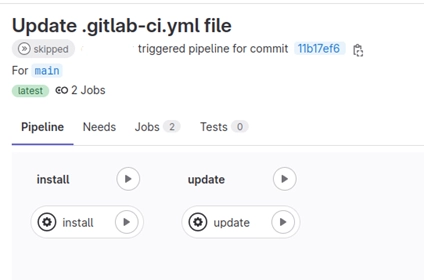
- To update, run the following command:
helm repo update appsecportal
helm upgrade appsecportal appsecportal/appsecportal
helm repo update appsecportal: This command gets the latest Helm package from the repository, ensuring that you have the latest version.
helm upgrade appsecportal appsecportal/appsecportal: This command upgrades your application to the latest version. If any variables have been changed since installation, you must specify them again in this command to ensure that they are applied correctly.
Manual update
- Pull the latest changes from the repository:
bash
- Edit
IMAGE_VERSIONvariable in .env file - Pull images
plaintext
- Restart your app
docker compose down -v && docker compose up -d
This will stop all services and remove the associated volumes, which will clean up the environment.
That’s it.
Portal will care about all migrations :smile: