Job configuration
Each job (scanner) has a preset configuration that can be changed or supplemented as necessary.
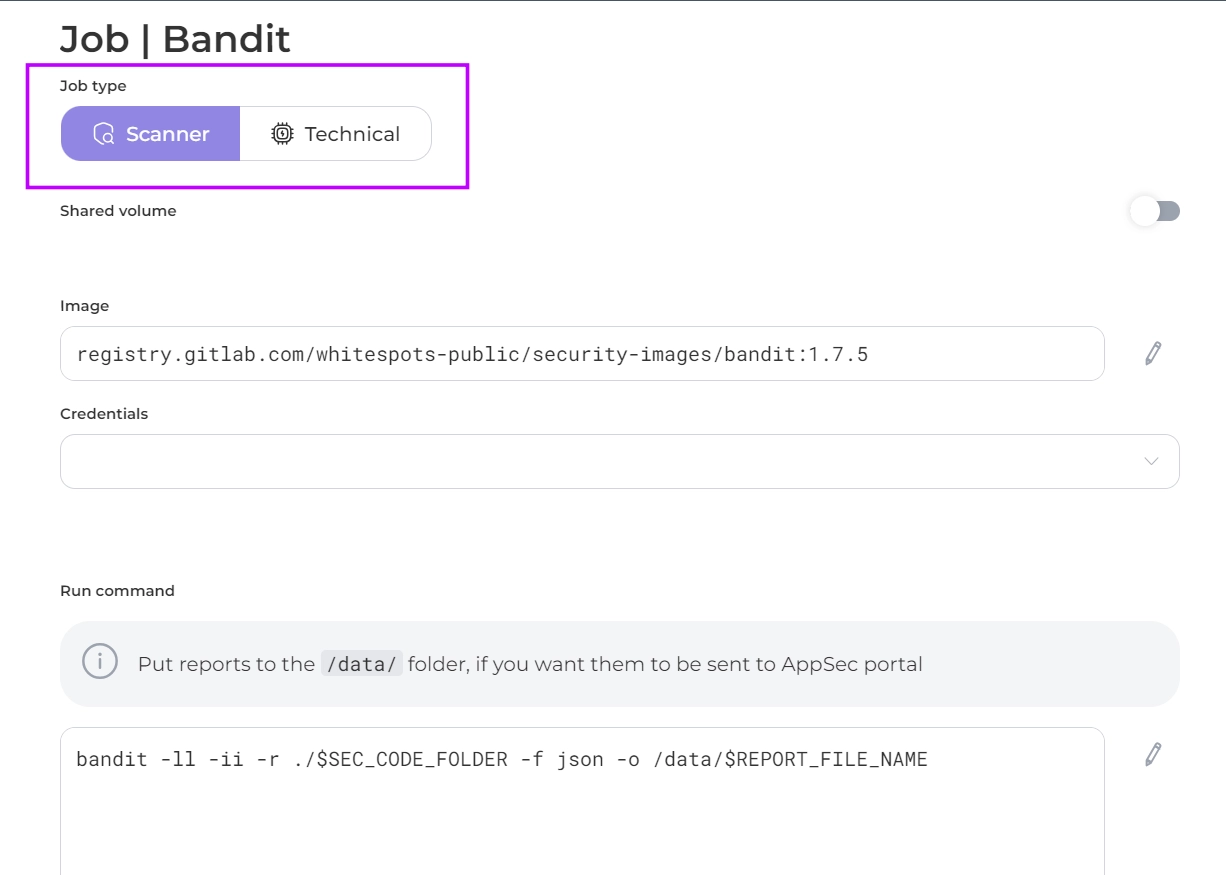
- Shared Volume: in activated position passes its scan results to the next jobs in the sequence
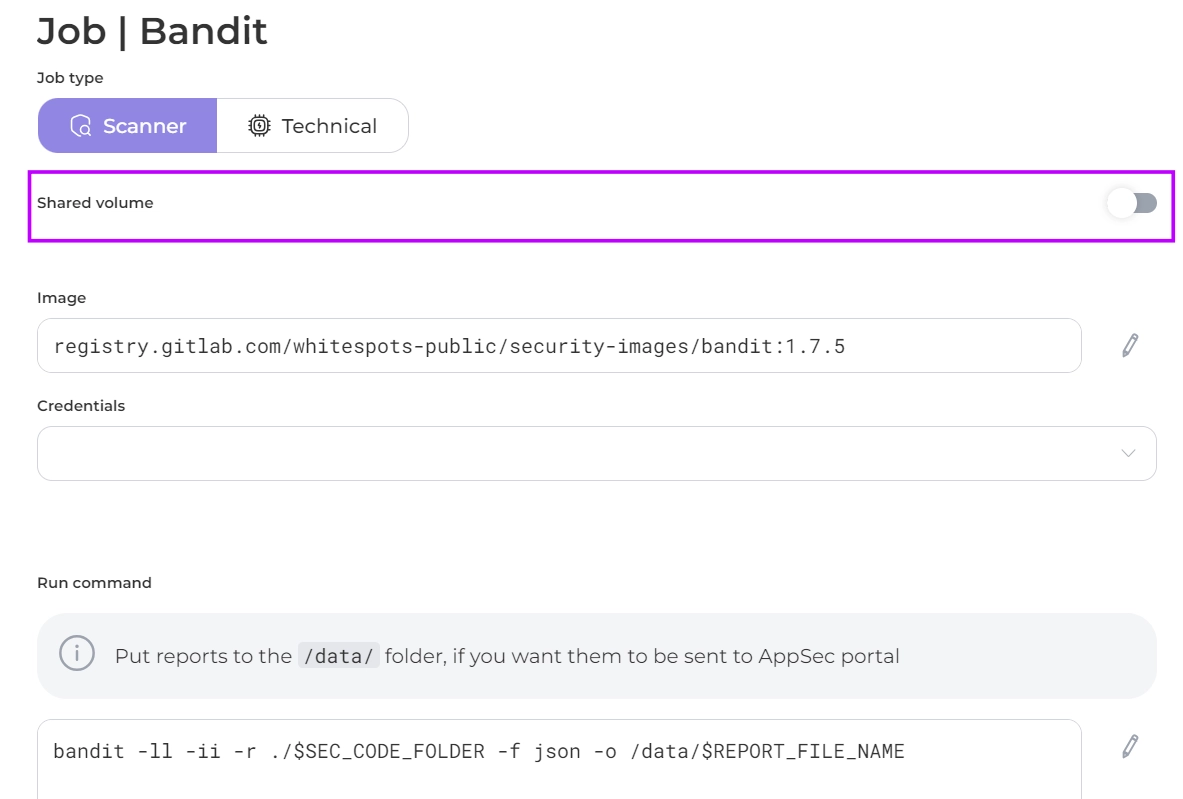
- Image: contains the address of the job’s image registry.
If you are using your own job, change the address of the registry and specify its credentials
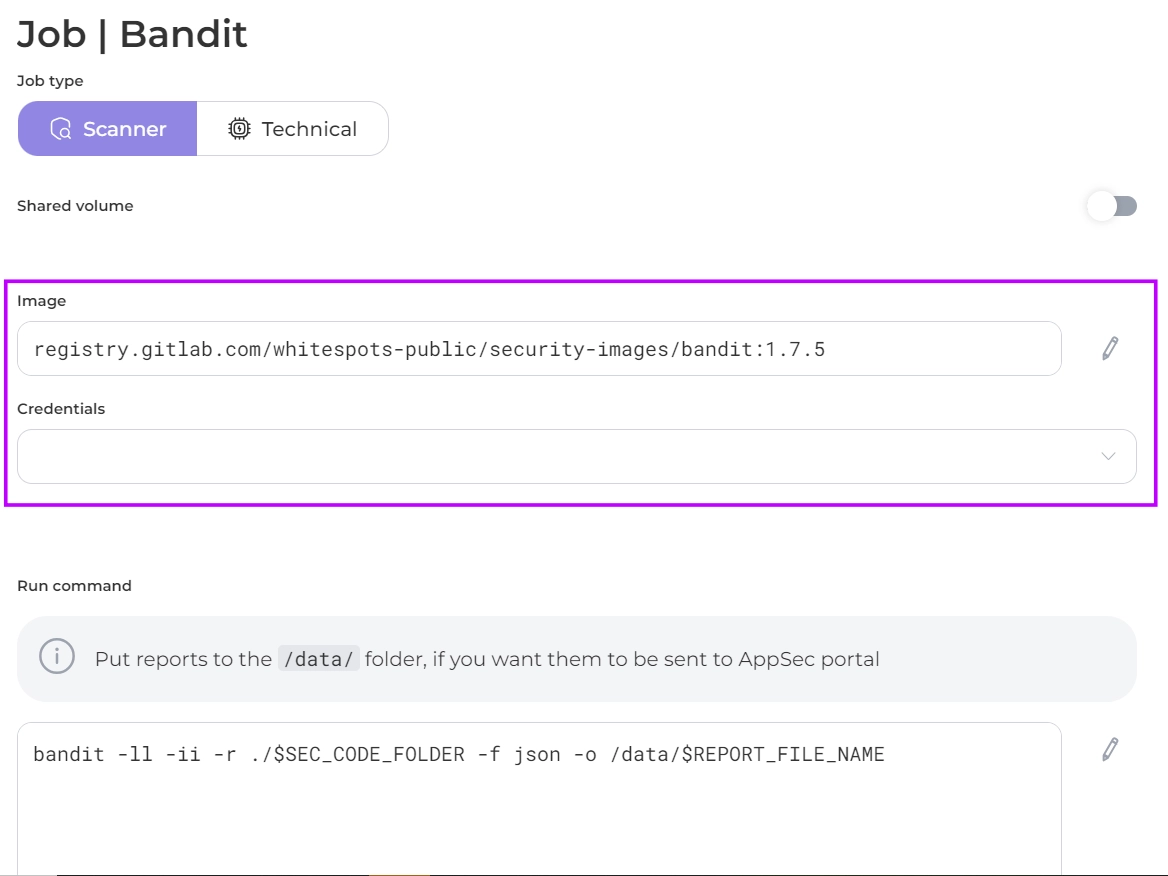
- Run Command: specifies the command code to run the scan.
If you are using your own command, you should specify the /data/ directory to save the report in, so that it can be sent to the AppSec Portal.
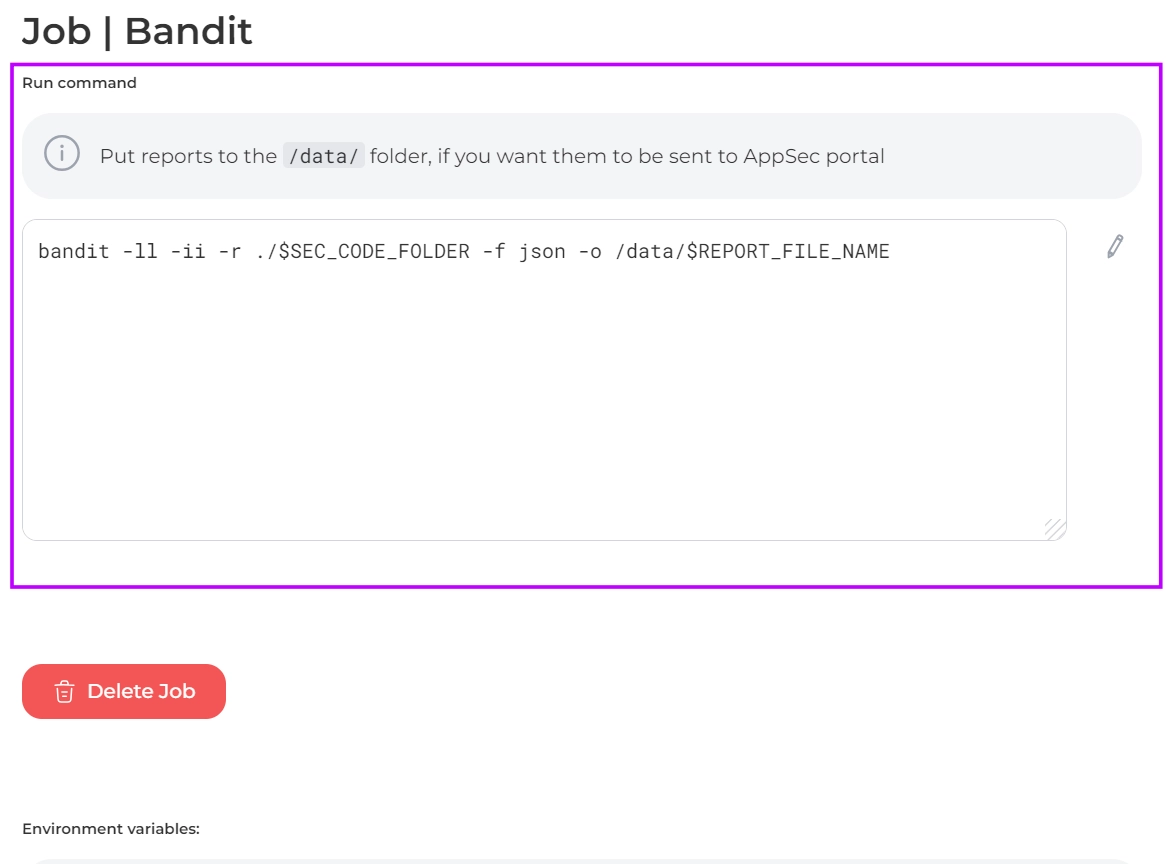
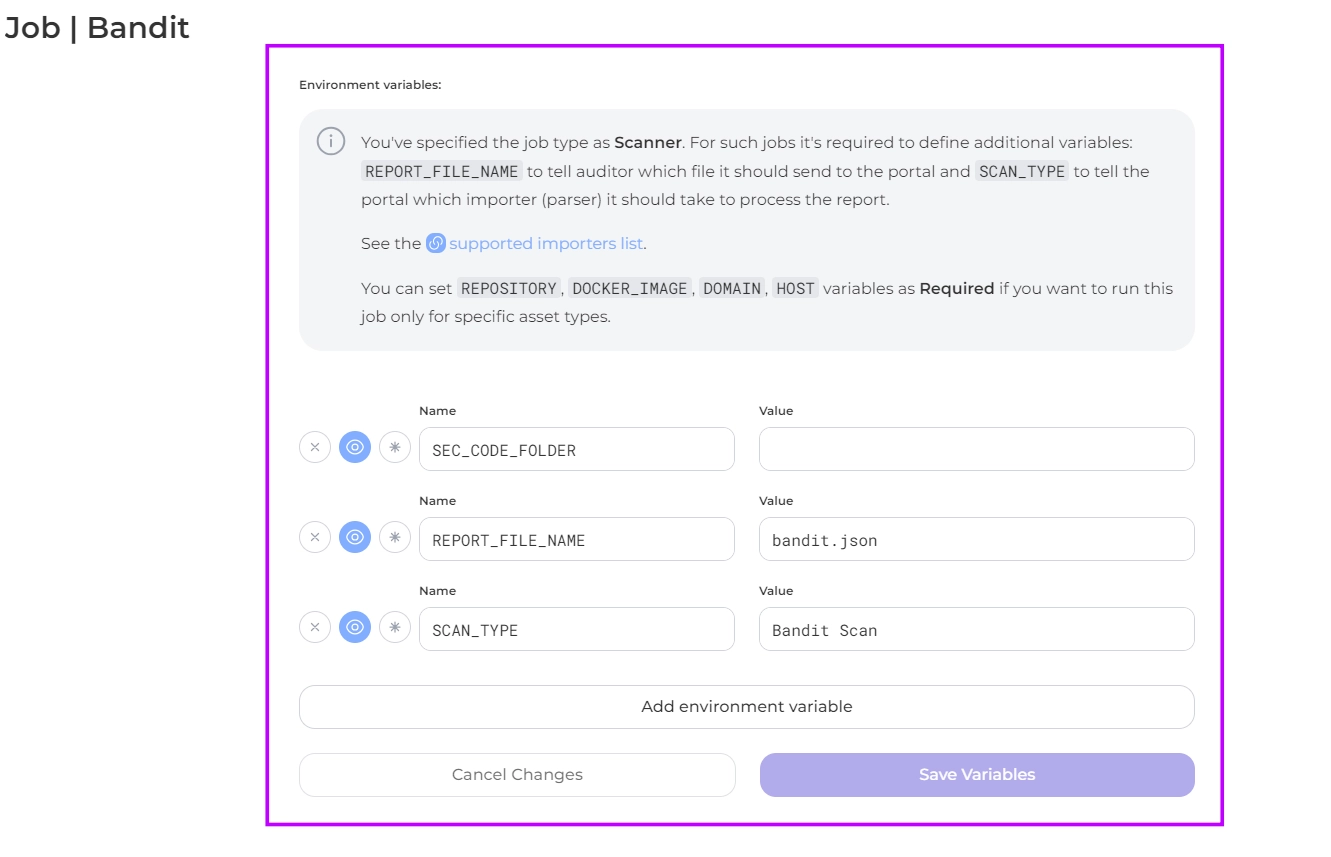
- Environment Variables: environment variables to be used by the job are specified.
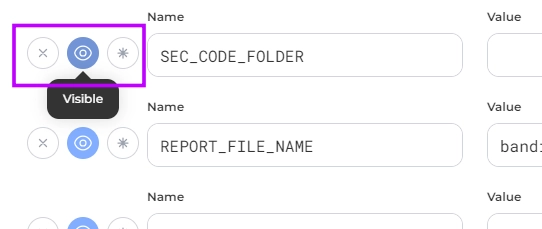
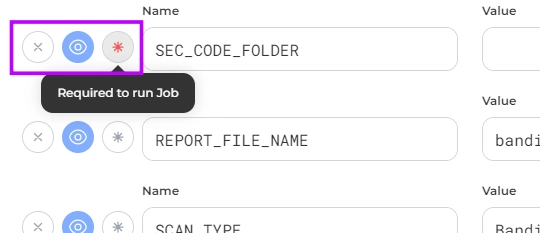
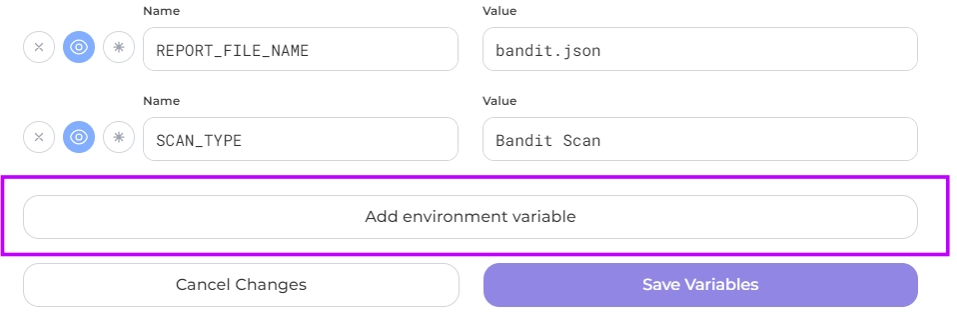
You can delete a variable, mark it as required, hide it or add additional environment variables if necessary
 | |||
 | |||
 |
Mandatory environment variables for each job type Scanner:
REPORT_FILE_NAME file name should send to the portal and SCAN_TYPE importer (parser) to process the report.