Version Control Integration
Add version control integration
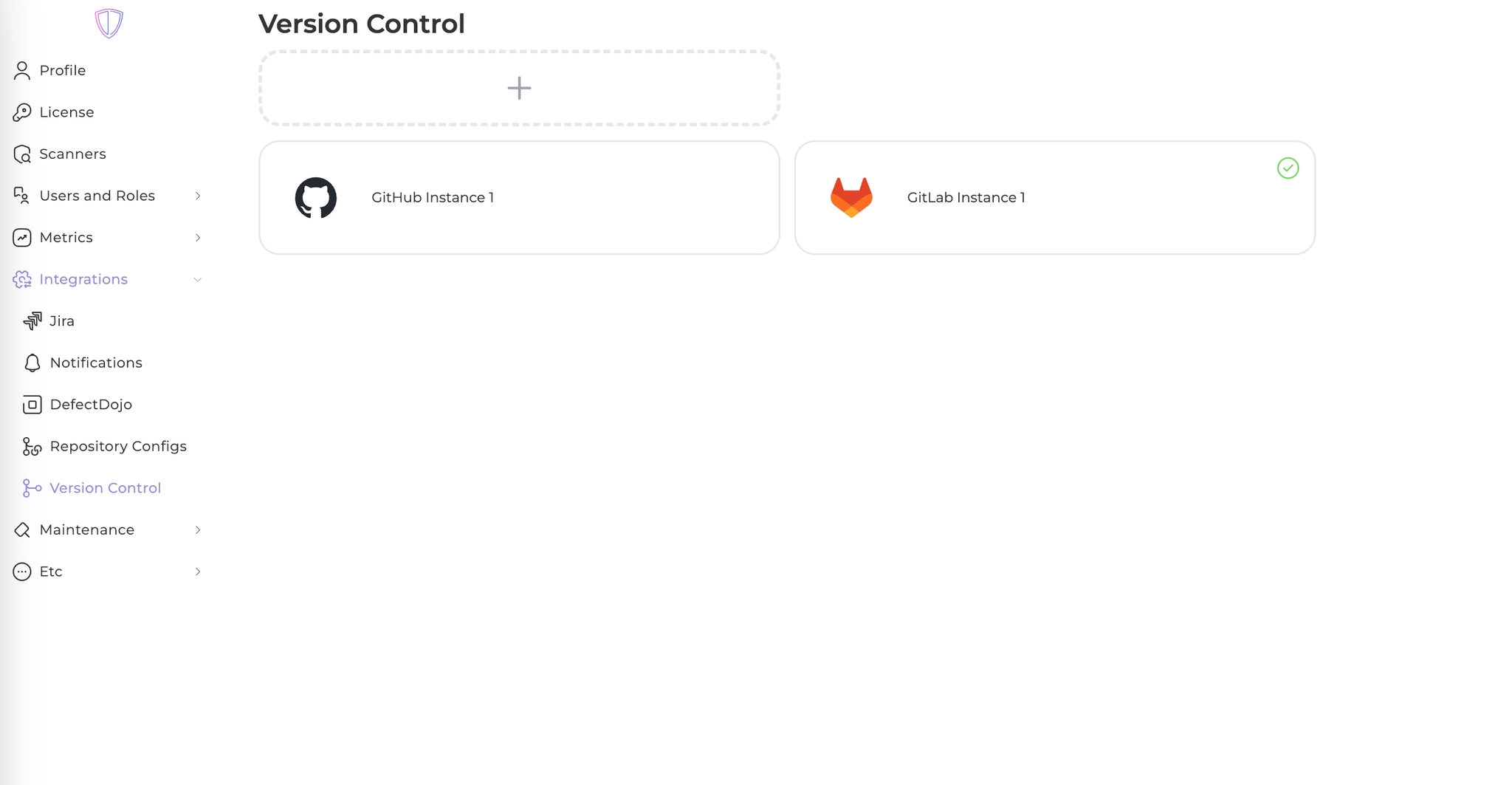
- Navigate to global settings -> Integrations -> Version Control
- Press ”+” button
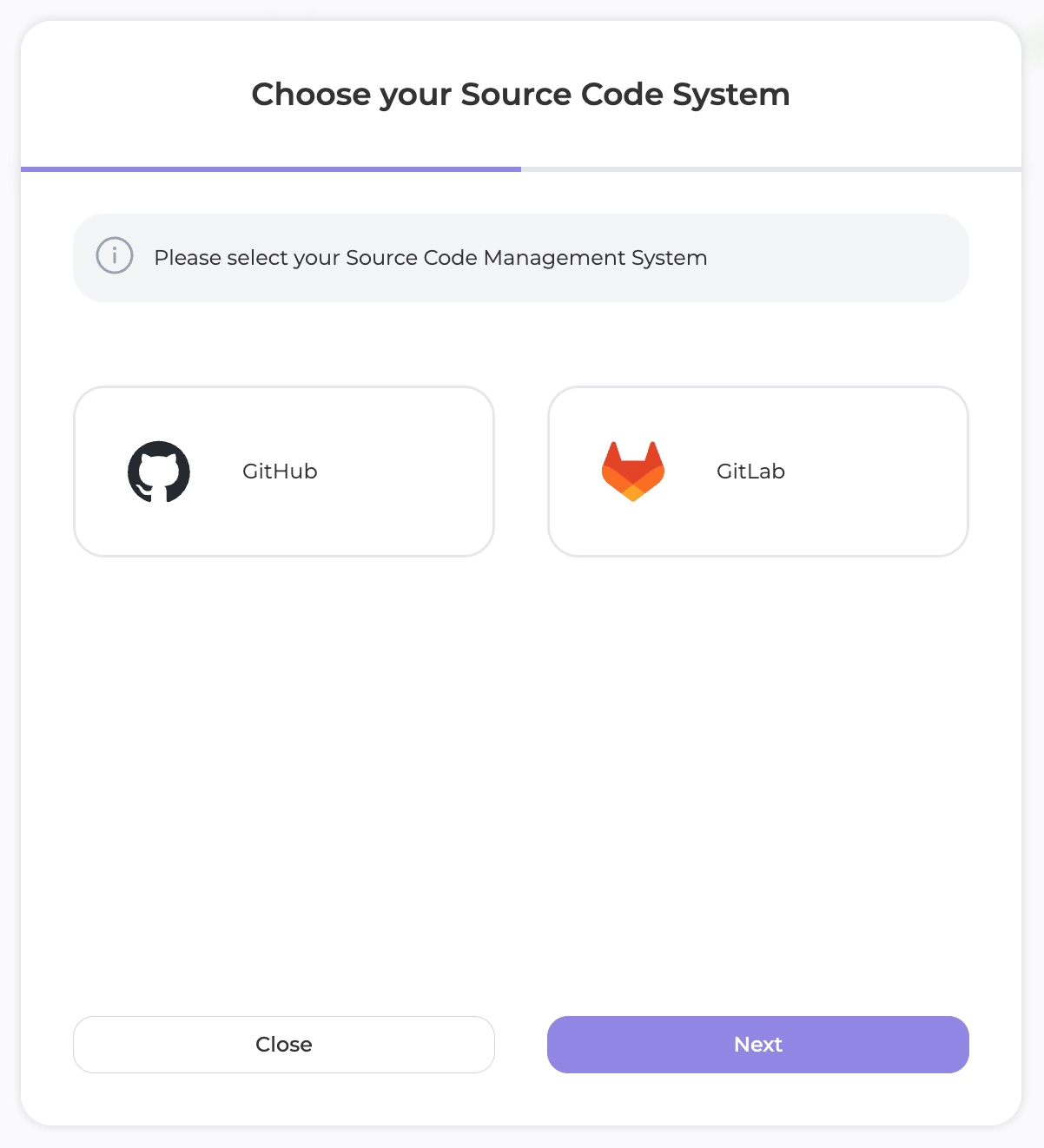
- Choose your system
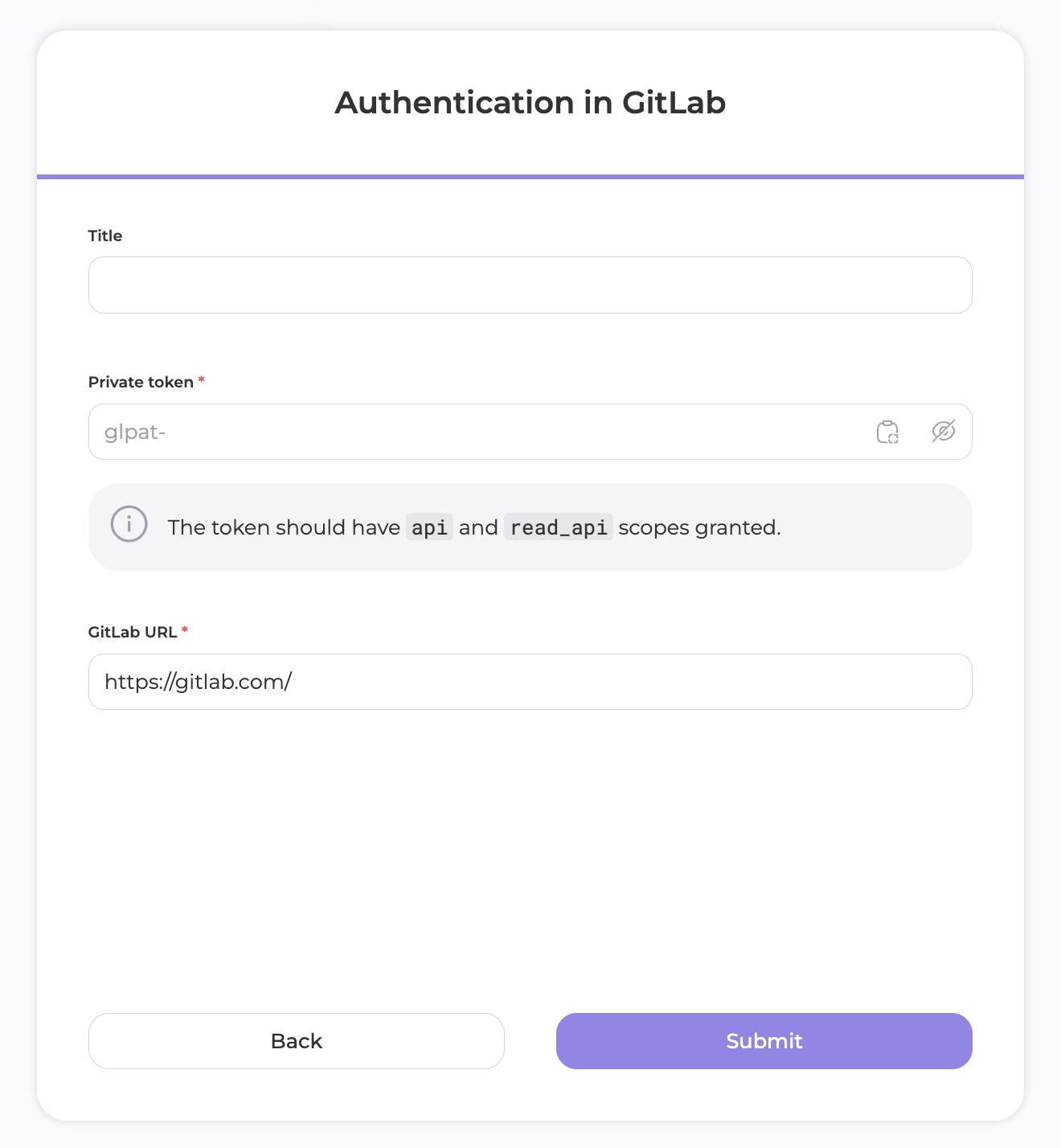
- Fill the form
- That’s it. Now you can import repositories from your version control system or configure your code scan process
Set up a webhook
- Open your newly created integration and get the webhook’s URL
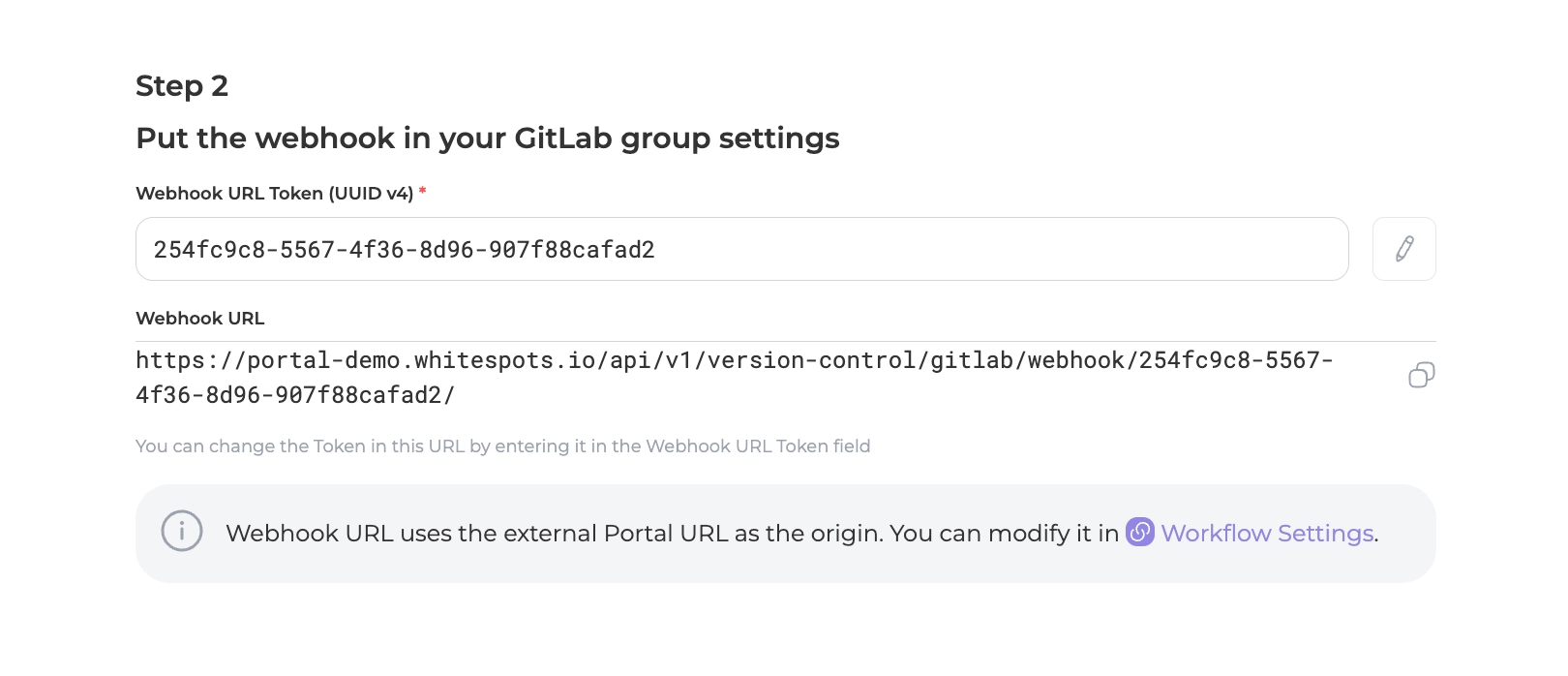
- Now open your GitLab group’s Settings->Webhooks page and add a webhook
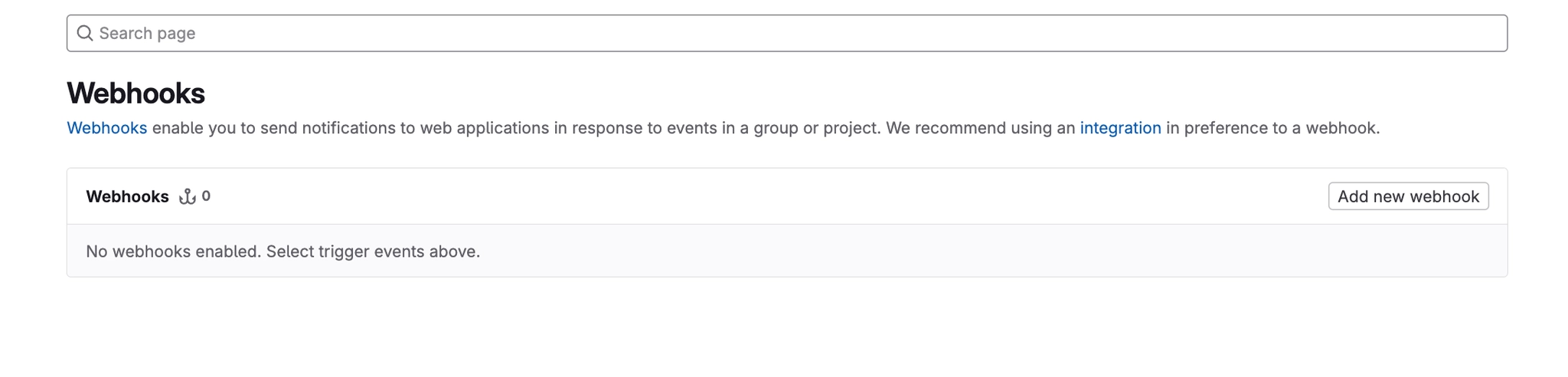
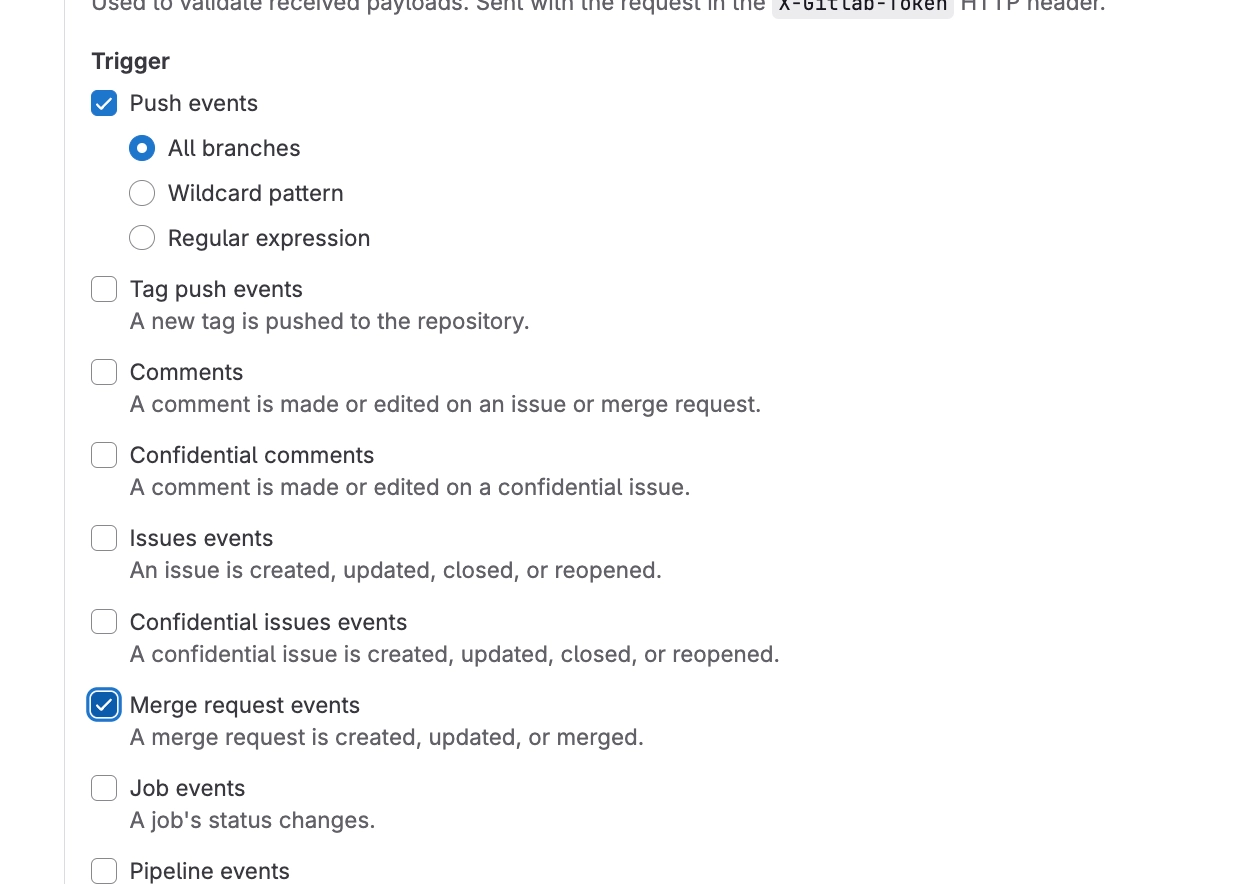
- Put that webhook URL, which portal showed you before and select 2 triggers
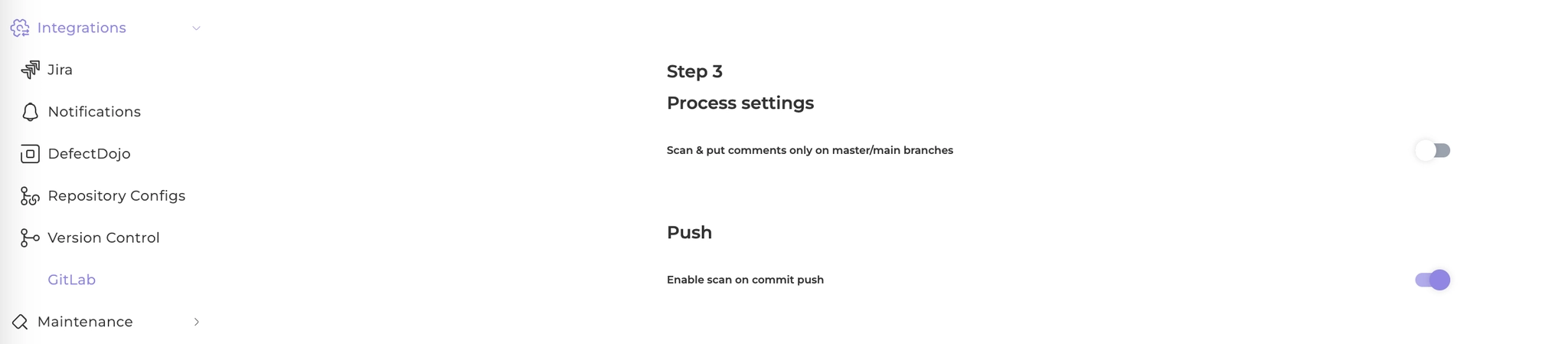
Scan every single commit
Just switch this toggle on your integration page
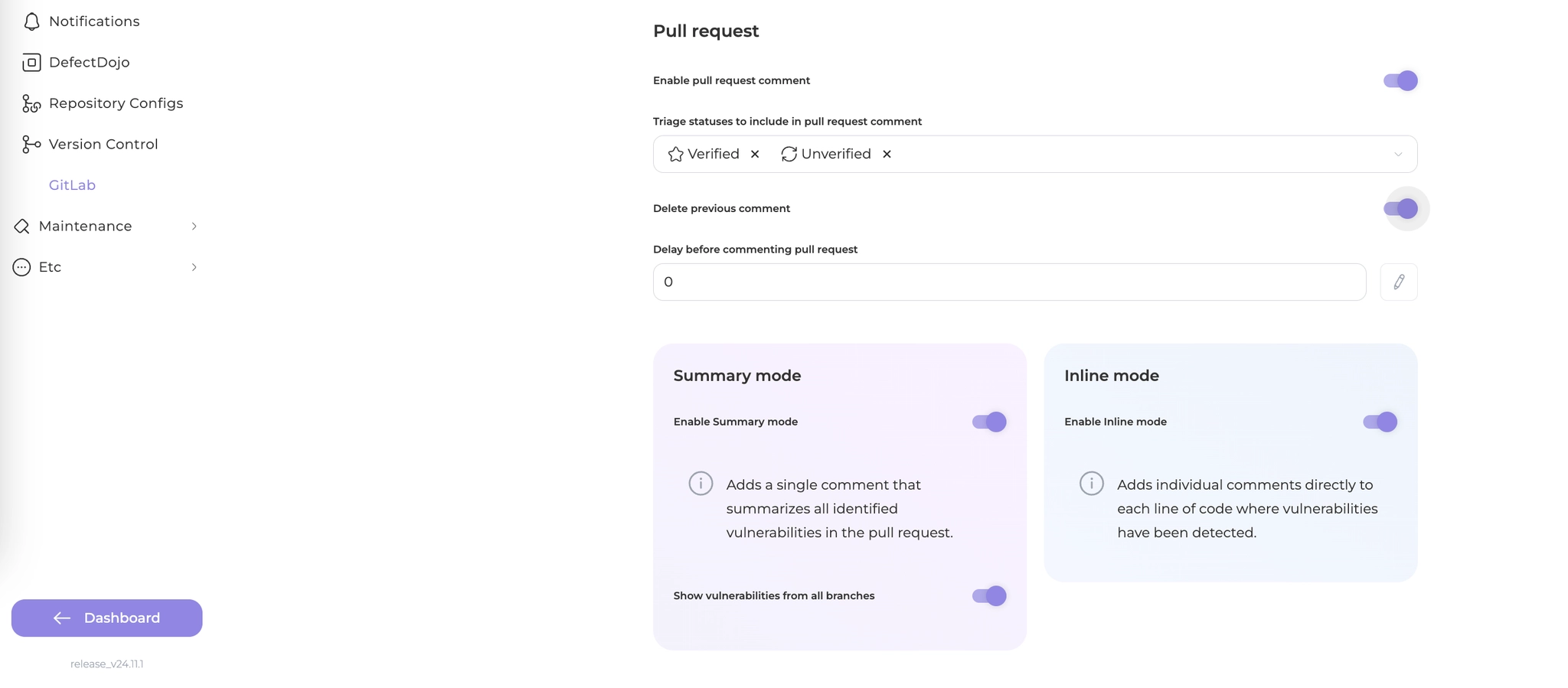
Comment on pull requests
Set up your preferred process then