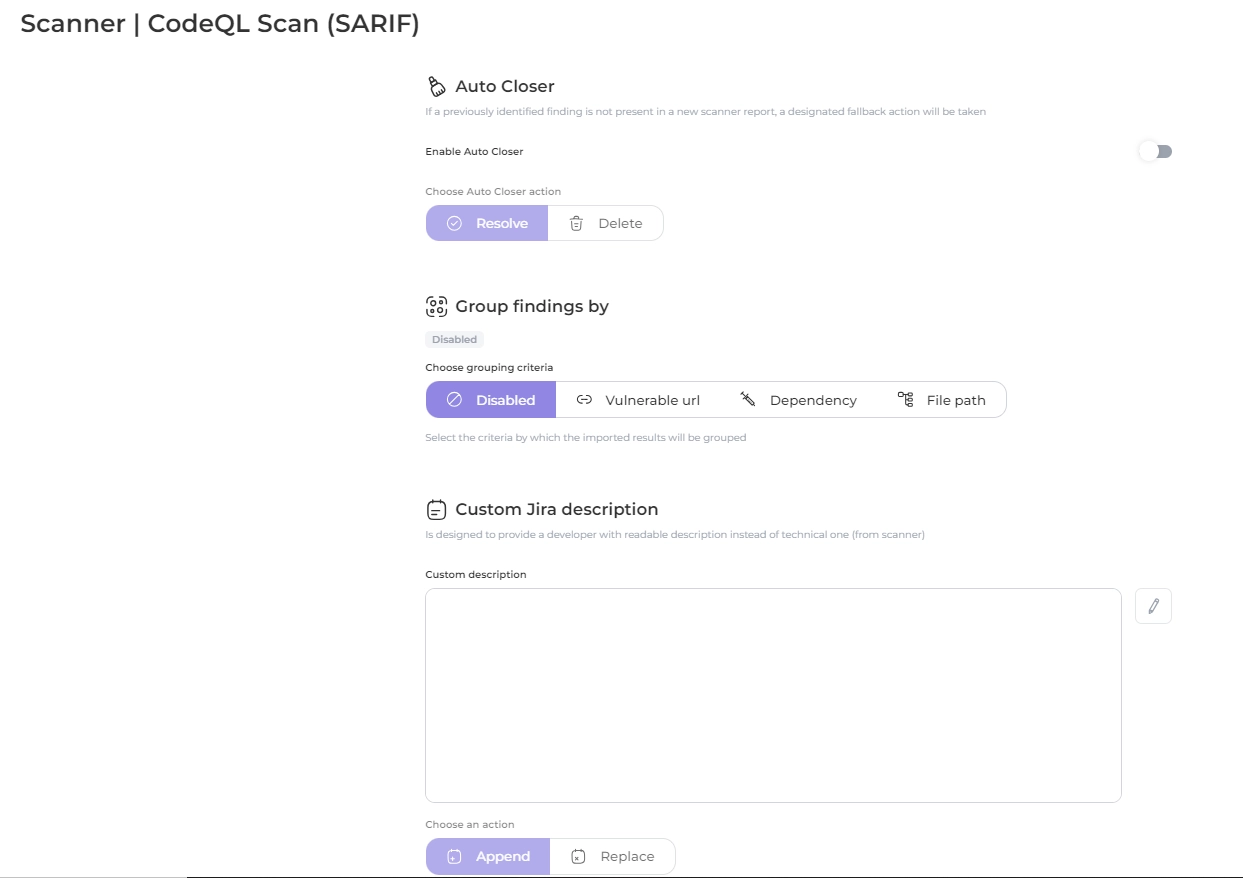
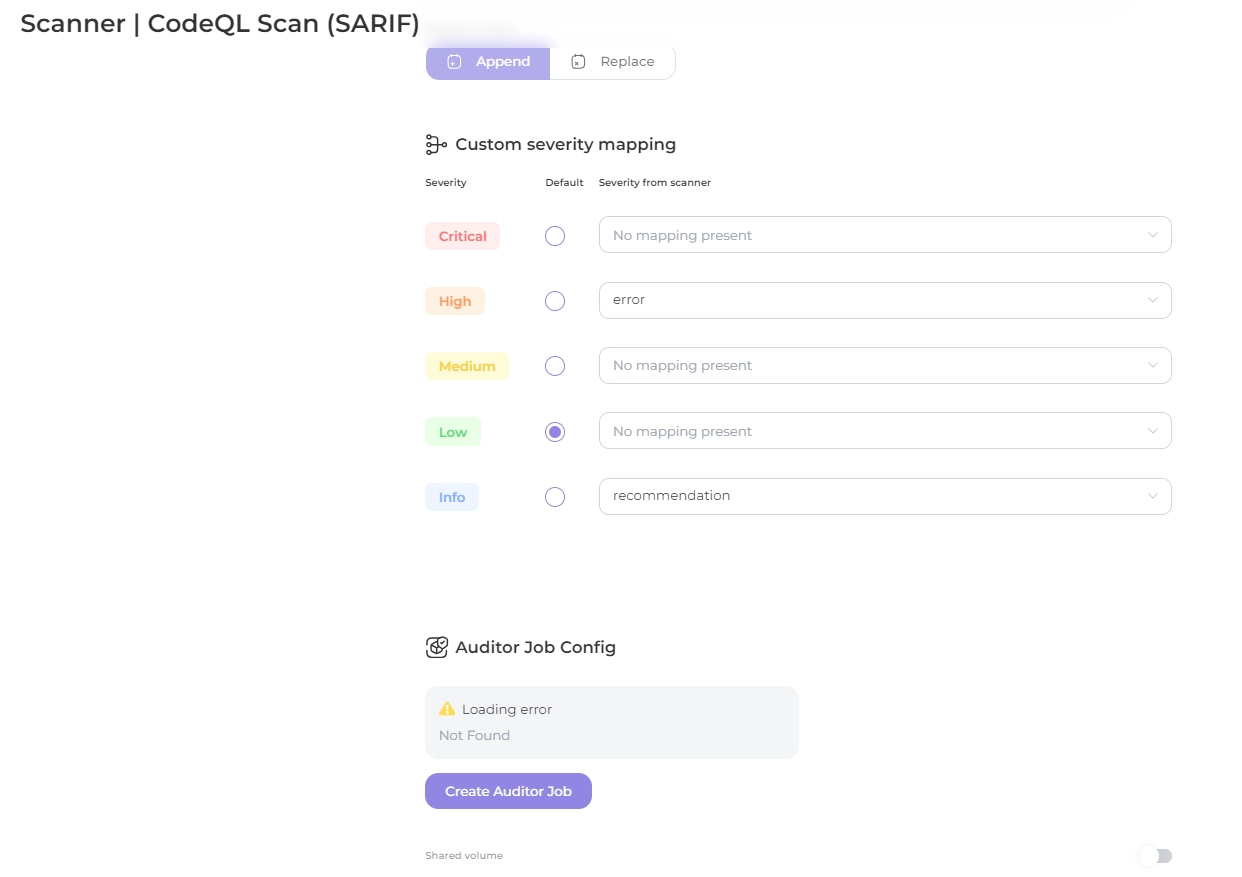
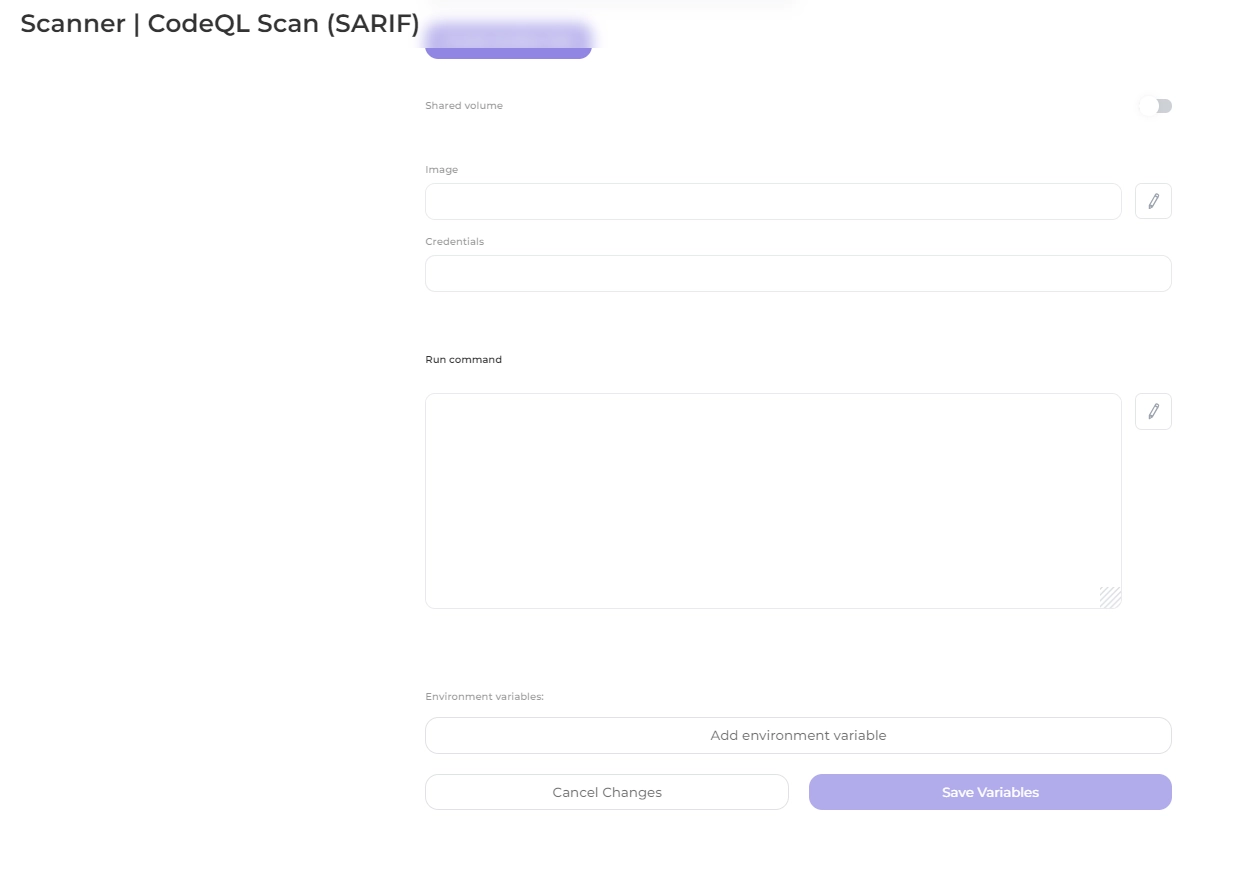
Scanner settings
Scanners page
To access the list of supported scanners, navigate to Settings->Scanners.
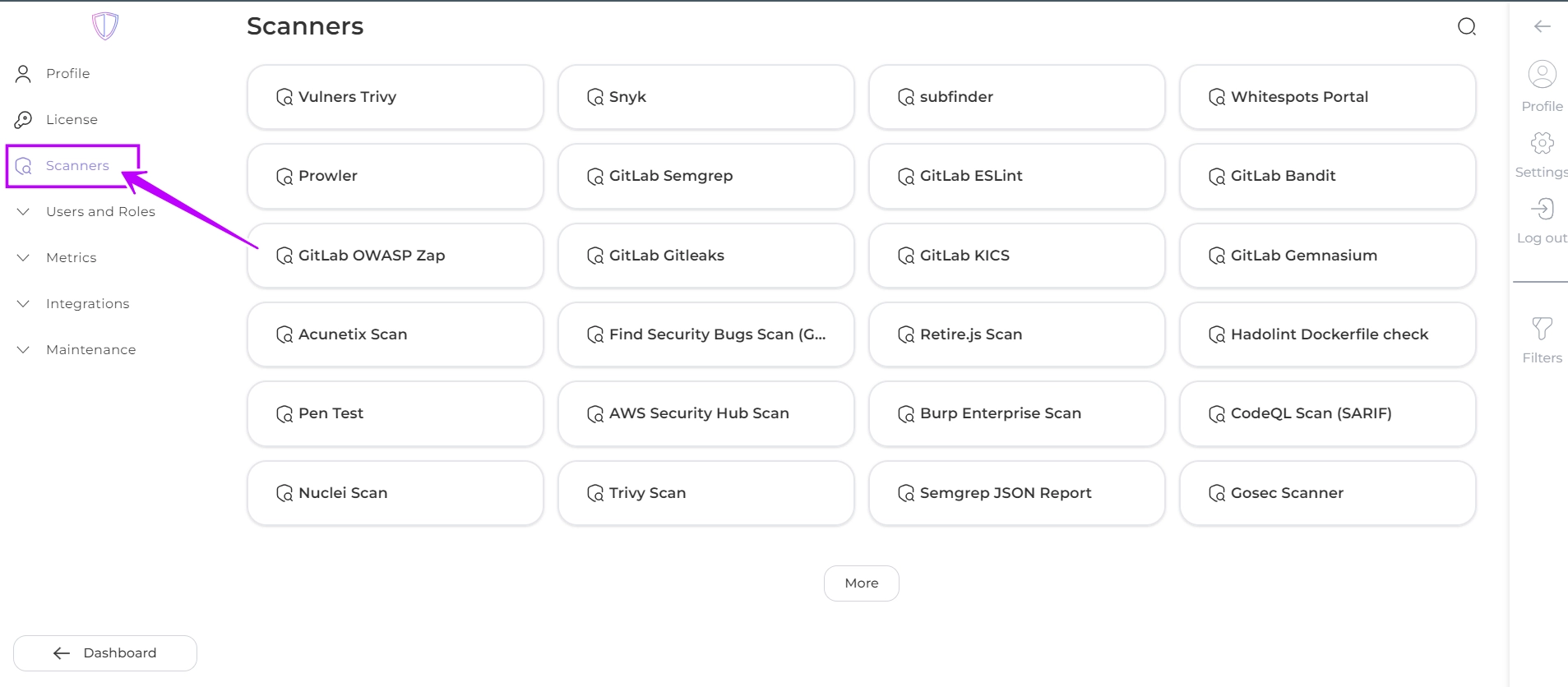
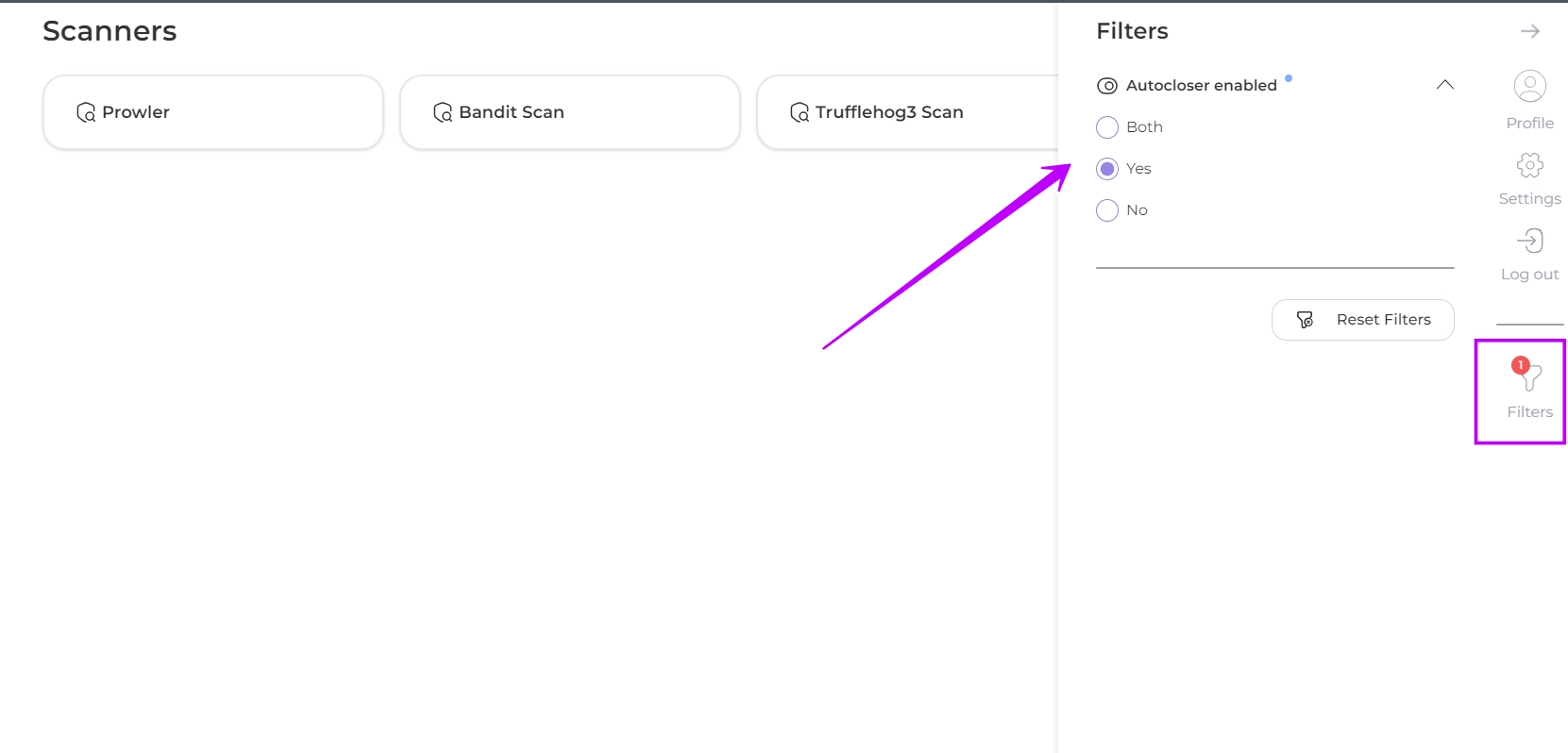
The list can be filtered with the “Auto Closer enabled” parameter.
To access the settings for a specific scanner, simply click on the scanner card. This will open the settings page for the scanner.